Quick look and preview
Four ways to see a file without opening it in another program.
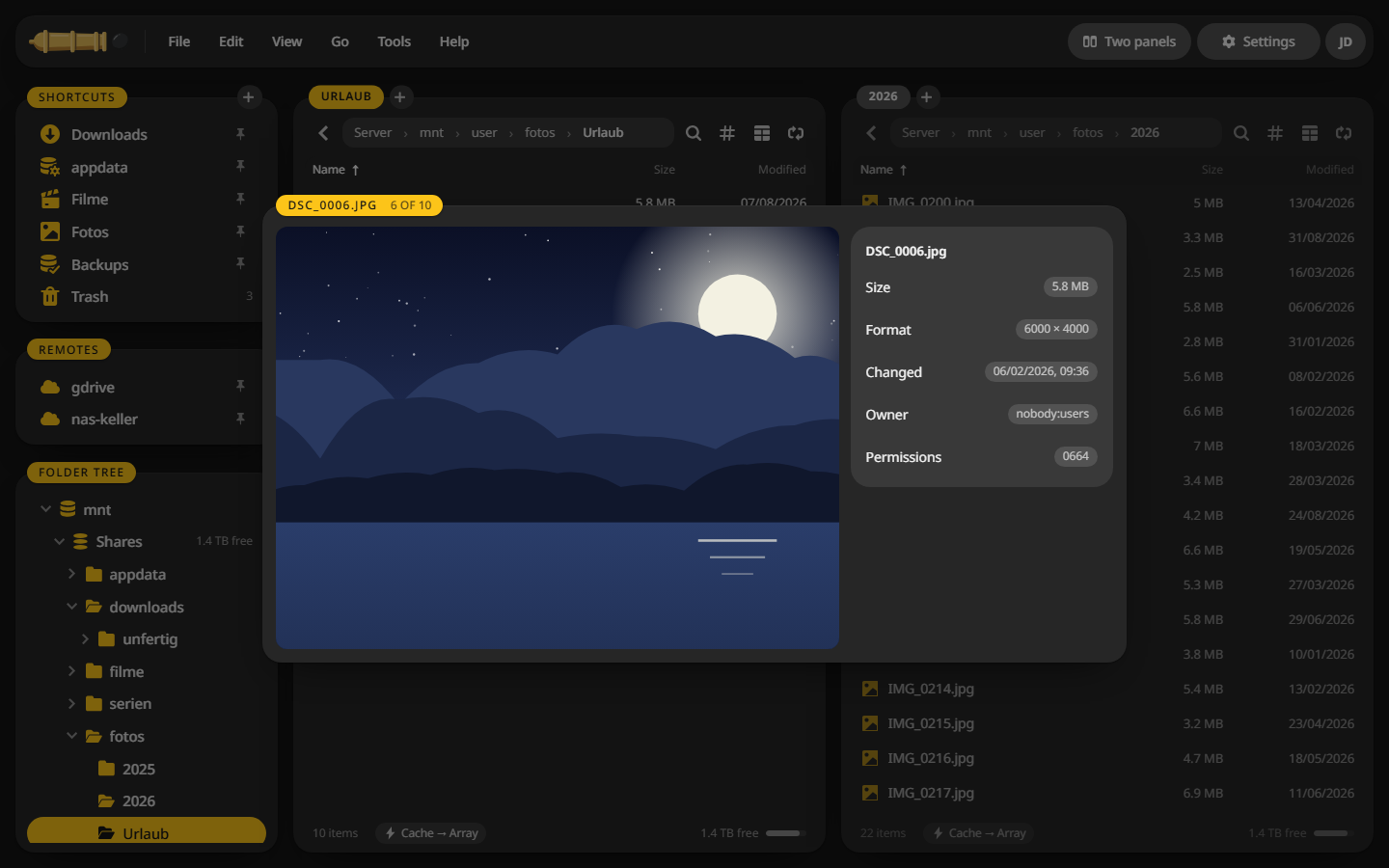
Quick look on the space bar
- Put the cursor on a file.
- Press Space.
- Left and Right walk through the folder. Esc or Space closes it.
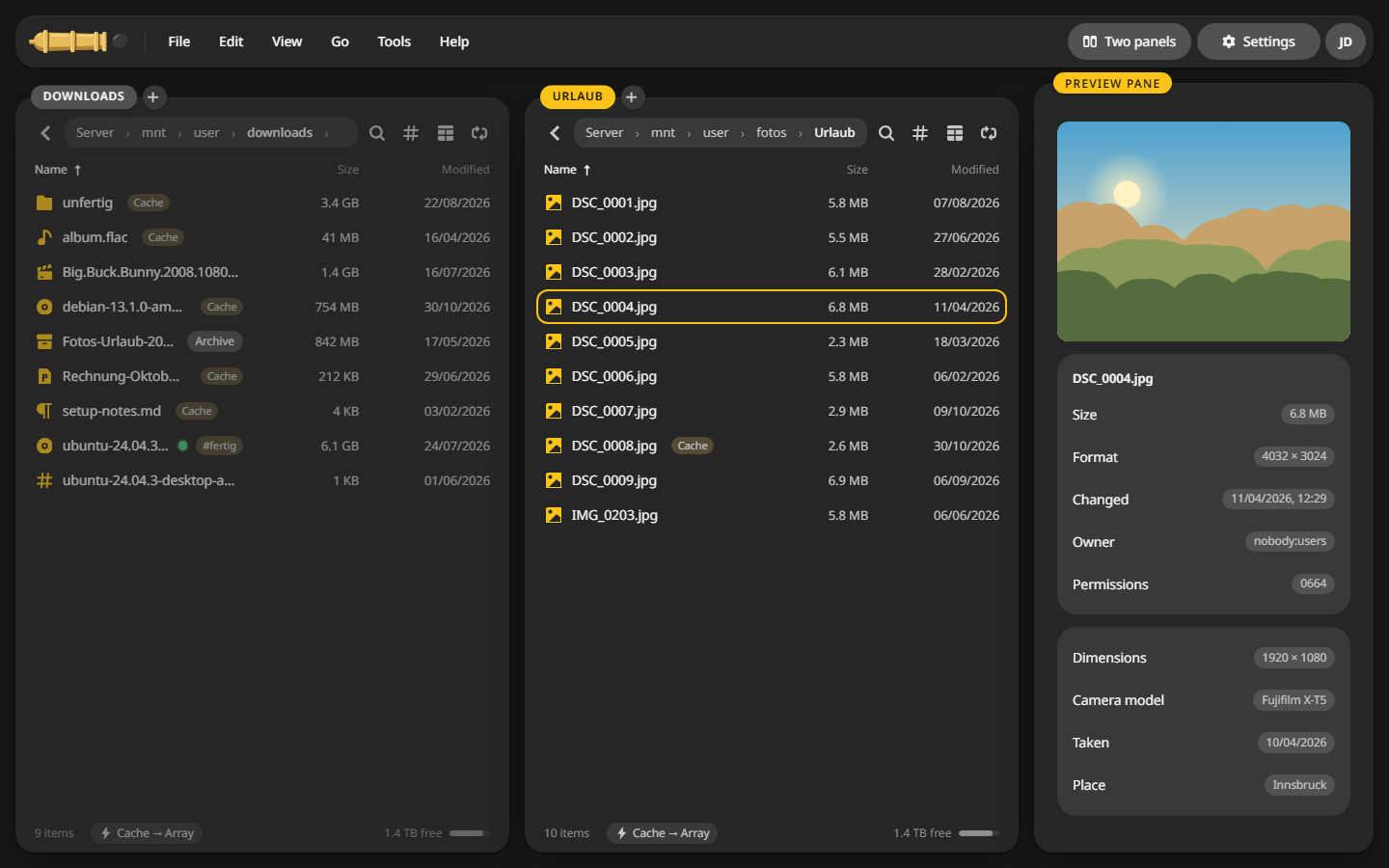
The preview pane
View > Preview pane puts a preview of the file under the cursor next to the panels. For a photo it shows the camera, the date and the place.
Preview in the other panel
Ctrl+Q turns the other panel into a preview. Move the cursor and the preview follows. Ctrl+Q again brings the folder back.
The viewer
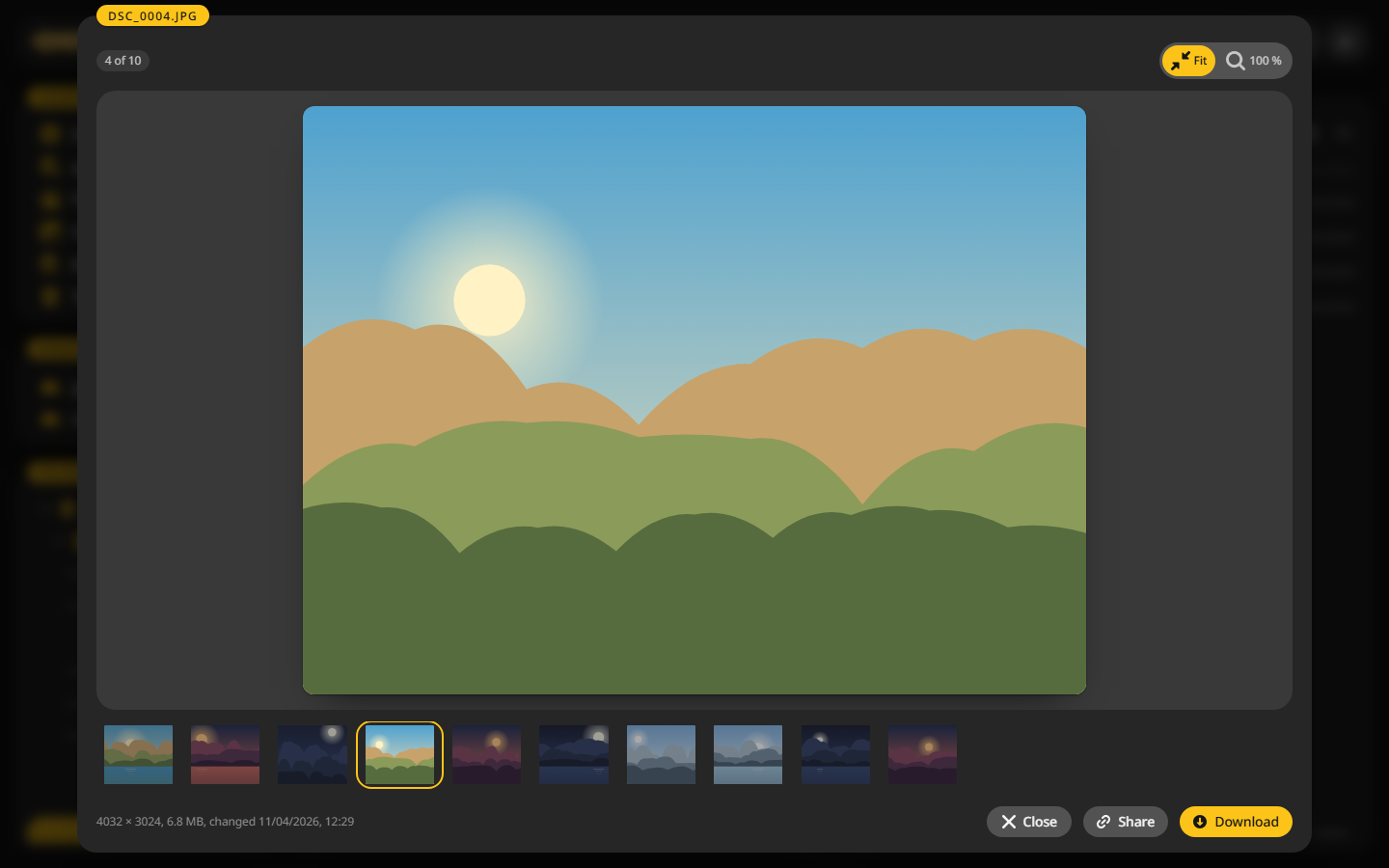
F3 opens the file in the viewer: pictures, video, audio, PDF, Markdown, text and code, Office files, e-books, 3D models and archives.
- Videos the browser cannot play, such as MKV, are converted while they play when Play videos in the browser is on under Settings > Integrations.
- Office files show in a built-in preview. With an office server they open for editing.
- Markdown switches between Rendered and Source.
- In a folder of pictures the arrow keys step through them.