The config file
Most settings live in the interface under Settings. A few, such as single sign-on or the proxy setup, live in /config/config.yaml, which the container writes with good defaults on its first start.
Edit config.yaml
- Open the file in your appdata folder, on Unraid
/mnt/user/appdata/cannoncommander/config.yaml, with any text editor. - Change what you need.
- Restart the container.
CannonCommander itself does not open its own data folder, see Security. Edit the file over SMB or SSH.
What it holds
| Section | For example | See |
|---|---|---|
server.sources |
The folders that show up | Folders |
http |
externalUrl, baseURL, trusted proxies |
Reverse proxy |
auth.methods.password |
minLength, the length under which the page calls a password short (12). It never refuses one |
Signing in |
auth.methods.oidc |
A sign-in service such as Pocket ID | Sign-in services |
Back up and move the settings
An admin can save every setting to a file and load it on another server:
- Open Settings > System.
- Export writes the settings to a file.
- On the new server, Import reads it back.
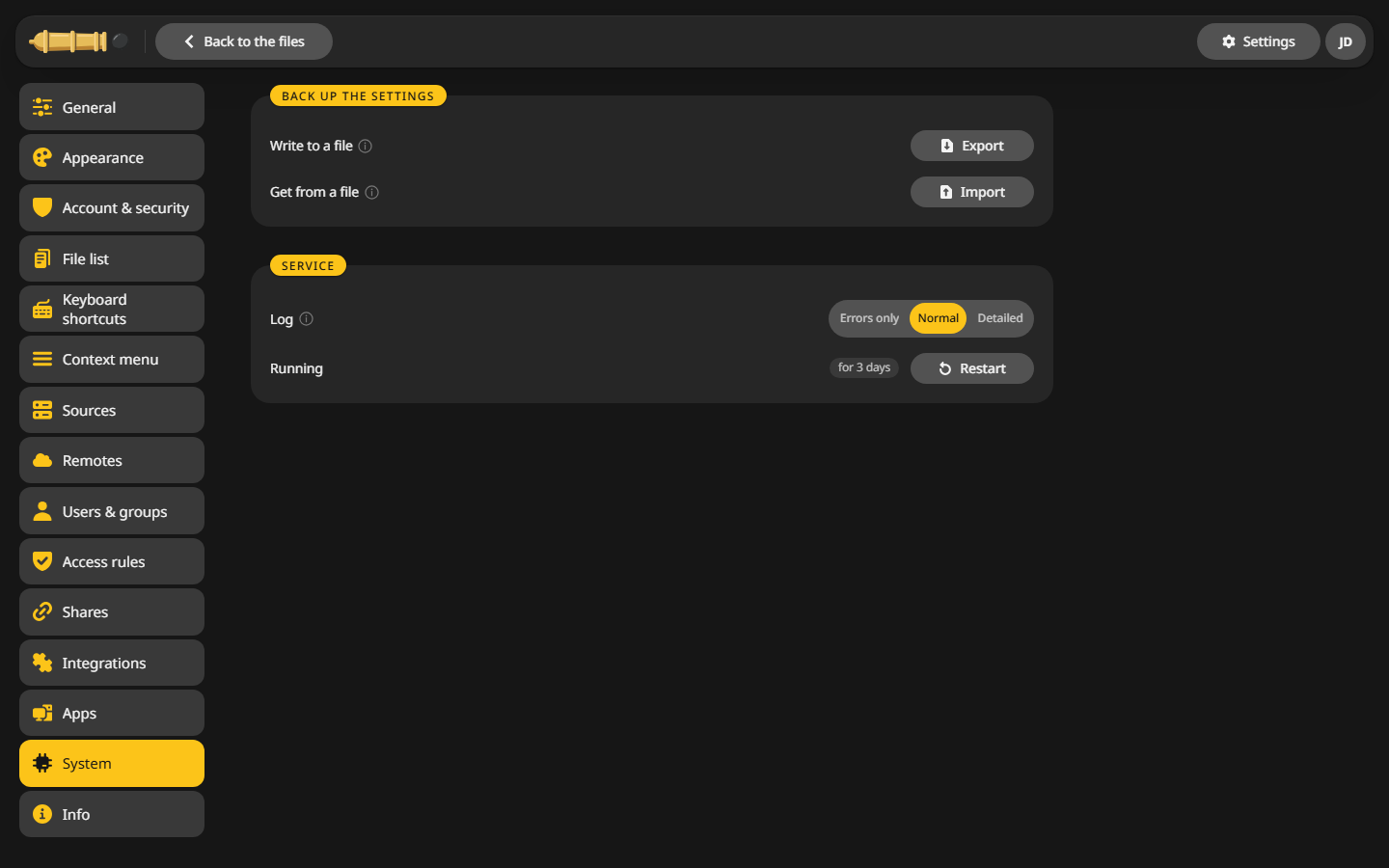
The same page sets the Log level and Restarts the service.
Environment variables
| Variable | What it does |
|---|---|
PUID, PGID, UMASK |
Who new files belong to, see Permissions |
TZ |
Time zone, such as Europe/Berlin |
CC_UNRAID_SOCKET |
true allows spinning disks down and Unraid notifications, see Unraid extras |
CC_OIDC_CLIENT_ID, CC_OIDC_CLIENT_SECRET |
Keep the OIDC credentials out of the file |