Unraid extras
On Unraid, CannonCommander reads Unraid's own view of the array, so it can warn and help where a plain file manager cannot.
What works right away
- Cache badges: files that still wait on the cache show a Cache badge, and View > Only on the cache lists just those.
- Sleeping disks: disks that are spun down stay asleep. Disks and pools are never indexed, and a copy that would wake one says so first.
- Parity check: copies can wait until a running check is done, see Copy and move.
- Room on the disks: a copy that would not fit the share's disks is stopped before it starts.
- Disk share and user share: mixing
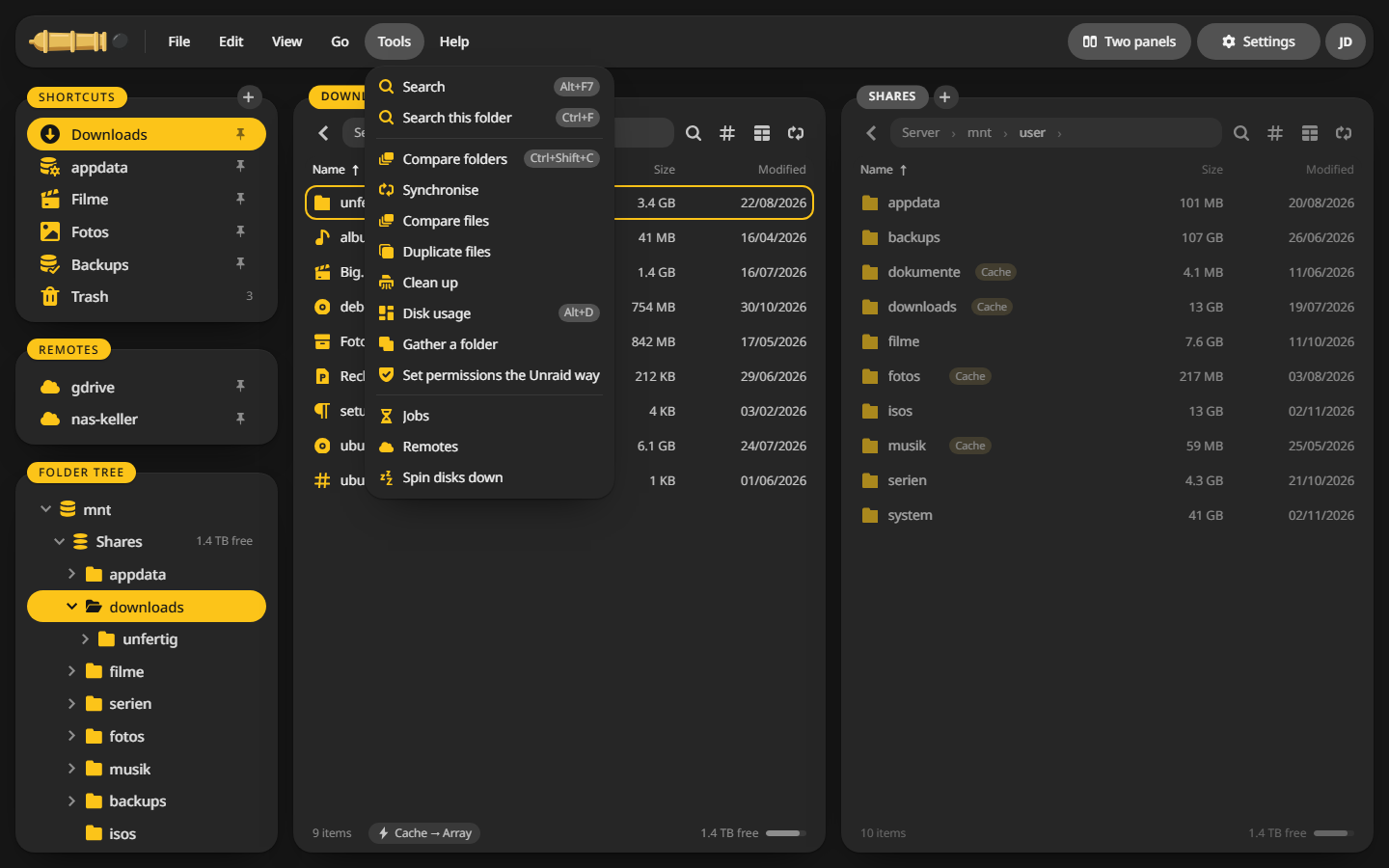
/mnt/disk1and/mnt/userin one copy would destroy the file, so CannonCommander stops it. - Gather a folder: Tools > Gather a folder brings a folder spread over several disks onto one, so only that disk wakes up for playback. It can also empty a disk before you swap it.
Spin down and notifications
Spinning disks down and sending Unraid notifications go through a socket and files that belong to root, so they are off by default. To switch them on:
- Edit the container in Unraid.
- Add a variable
CC_UNRAID_SOCKETwith the valuetrue. - Add a path that maps
/var/run/emhttpd.socketto the same path in the container. - For notifications, also map
/tmp/notificationsto the same path. - Apply.
Tools > Spin disks down then works, and Tell Unraid too under Settings > General sends a note when a job is done. Only admins see these actions.
Warning
The emhttpd socket controls the whole array. Only switch this on if you trust everyone with an admin account.
Storeroom
Disk usage > Storeroom lists what nothing on the server uses any more: templates without a container, compose stacks no container belongs to, appdata folders nothing names, stopped containers nothing manages, networks and anonymous volumes nobody holds, and images no container uses that can be downloaded again. To find them, CannonCommander has to ask Docker:
- Edit the container in Unraid.
- Add a path that maps
/var/run/docker.sockto the same path in the container. - To clear things away as well, switch on Unraid write access. For templates and compose stacks, also fill in the paths Docker templates and Compose stacks: they make just these two folders writable, and the rest of
/boot/configstays read-only. - Apply.
The socket belongs to root and the docker group. CannonCommander's user joins that group when the container starts, so nothing else is needed.
When in doubt, a folder stays off the list. It only shows up when no container mounts it, no template, stack or plugin mentions it, no container, template or stack has its name, and it has not changed for 30 days. A stack only counts as unused when no container belongs to it, running or stopped.
Everything goes into the storeroom first, and you can bring it back from there. Only images and the build cache are removed for good, because they can be downloaded or built again. Before anything happens, CannonCommander shows what it will do and asks.
The same socket lets the Office card find the office servers running next to CannonCommander, see Office files.
Warning
The Docker socket controls every container. Only map it if you trust everyone with an admin account.