Panels and tabs
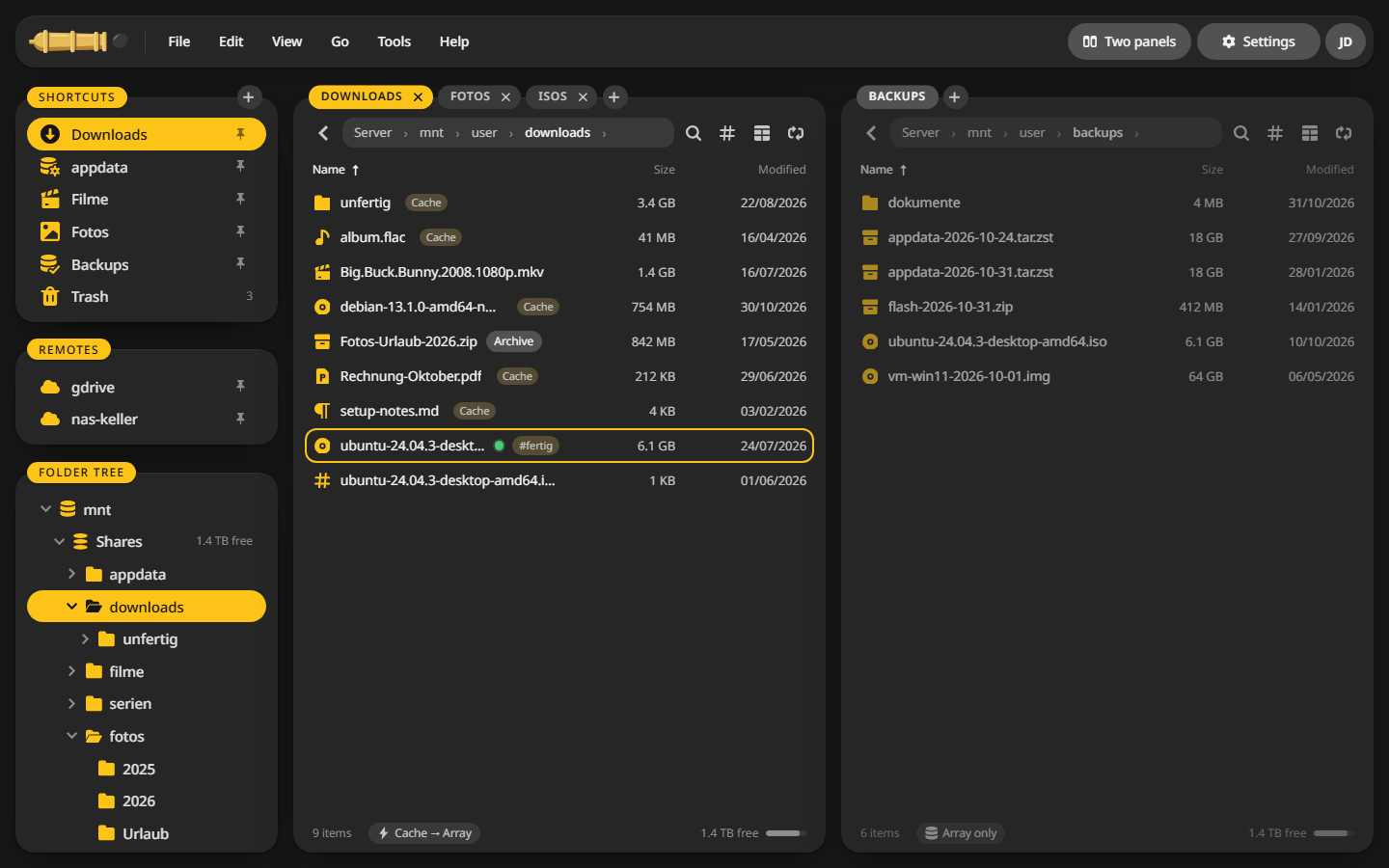
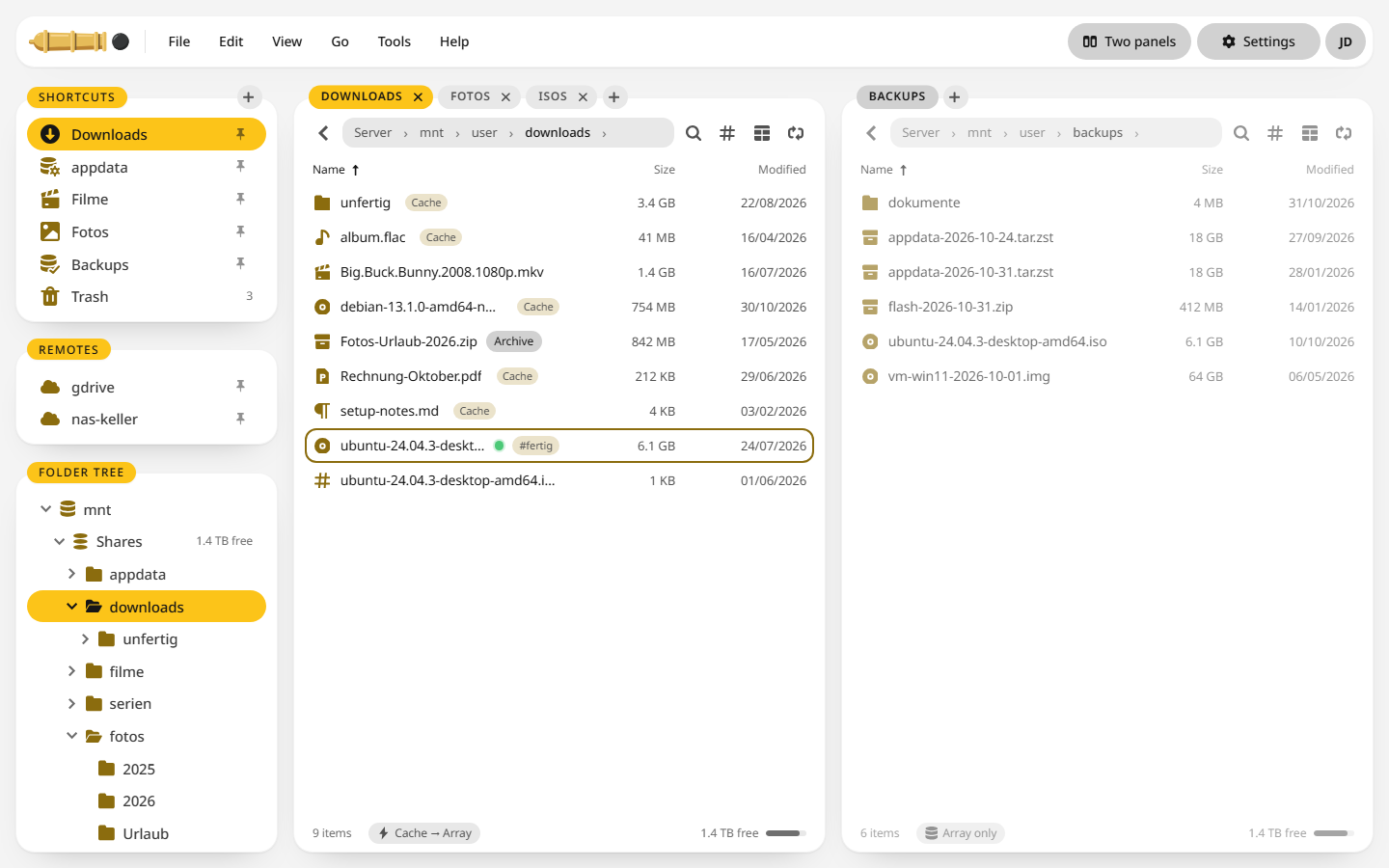
The parts of the window
- Sidebar on the left: shortcuts, remotes and the folder tree. Ctrl+B hides it.
- Two panels, each with a folder. The active panel has the yellow cursor row.
- Menu bar at the top: File, Edit, View, Go, Tools and Help. F10 opens it from the keyboard.
- Status line under each panel: how many items, what is marked, free space, and on Unraid where new files land.
Moving around
| Do this | Key |
|---|---|
| Switch between the panels | Tab |
| Open a folder or file | Enter or a double click |
| Up one level | Alt+Up |
| Back and forward | Alt+Left and Alt+Right |
| Type a path | Ctrl+L |
| Folder history | Alt+Down |
| One panel or two | Ctrl+1 and Ctrl+2 |
| Swap the panels | Ctrl+U |
| Open the other panel's folder here | Ctrl+. |
Typing into the path field also opens a terminal: bash, cmd or terminal, then Enter.
Tabs
Each panel can hold several tabs.
- Ctrl+T opens a new tab with the current folder.
- Ctrl+Tab and Ctrl+Shift+Tab switch between them.
- Ctrl+W closes the current one.
The + next to the tab names does the same as Ctrl+T. A right click on a tab can duplicate it, lock it to its folder or close all the others.
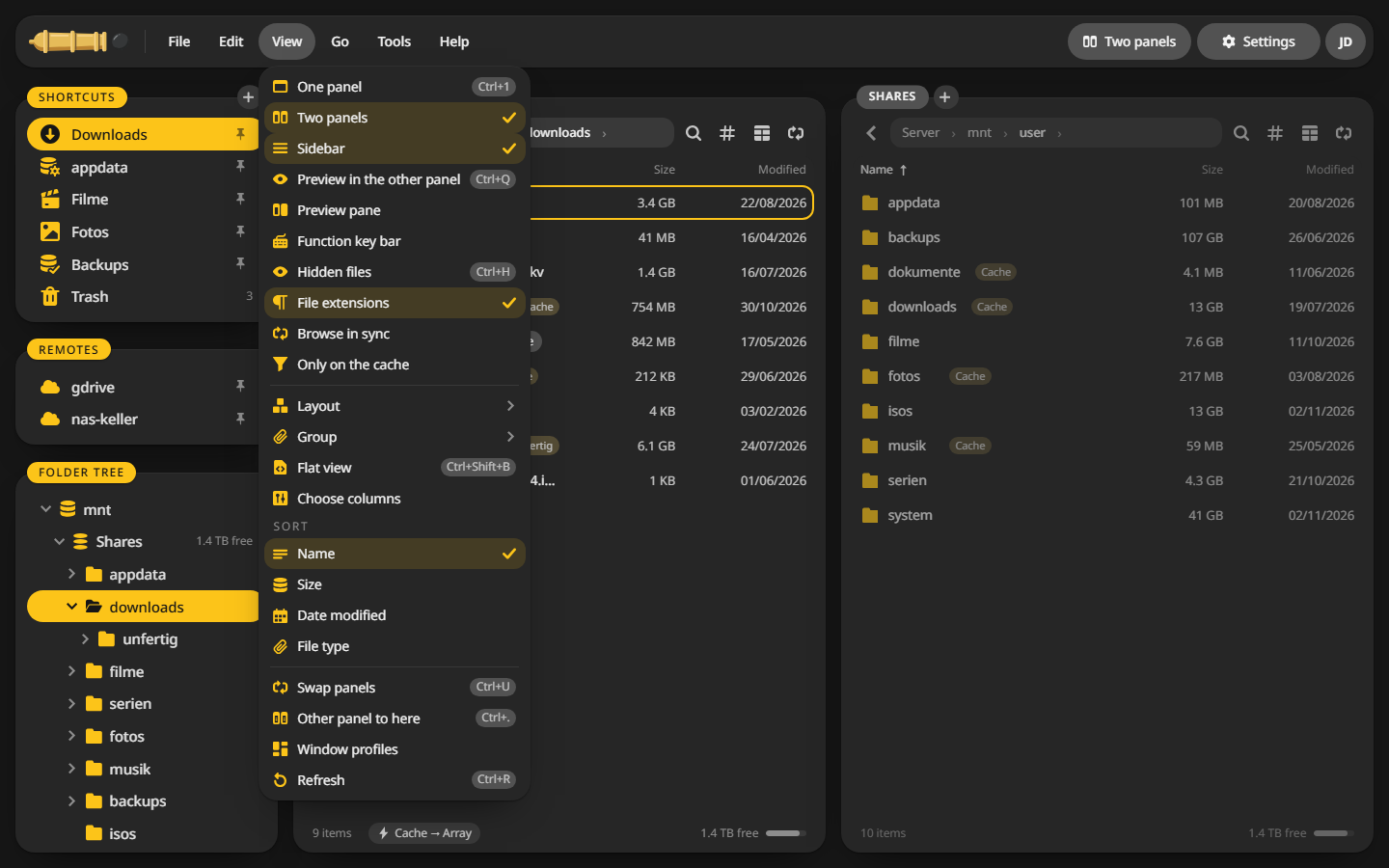
The menu bar
Every command sits in a menu, with its key beside it.
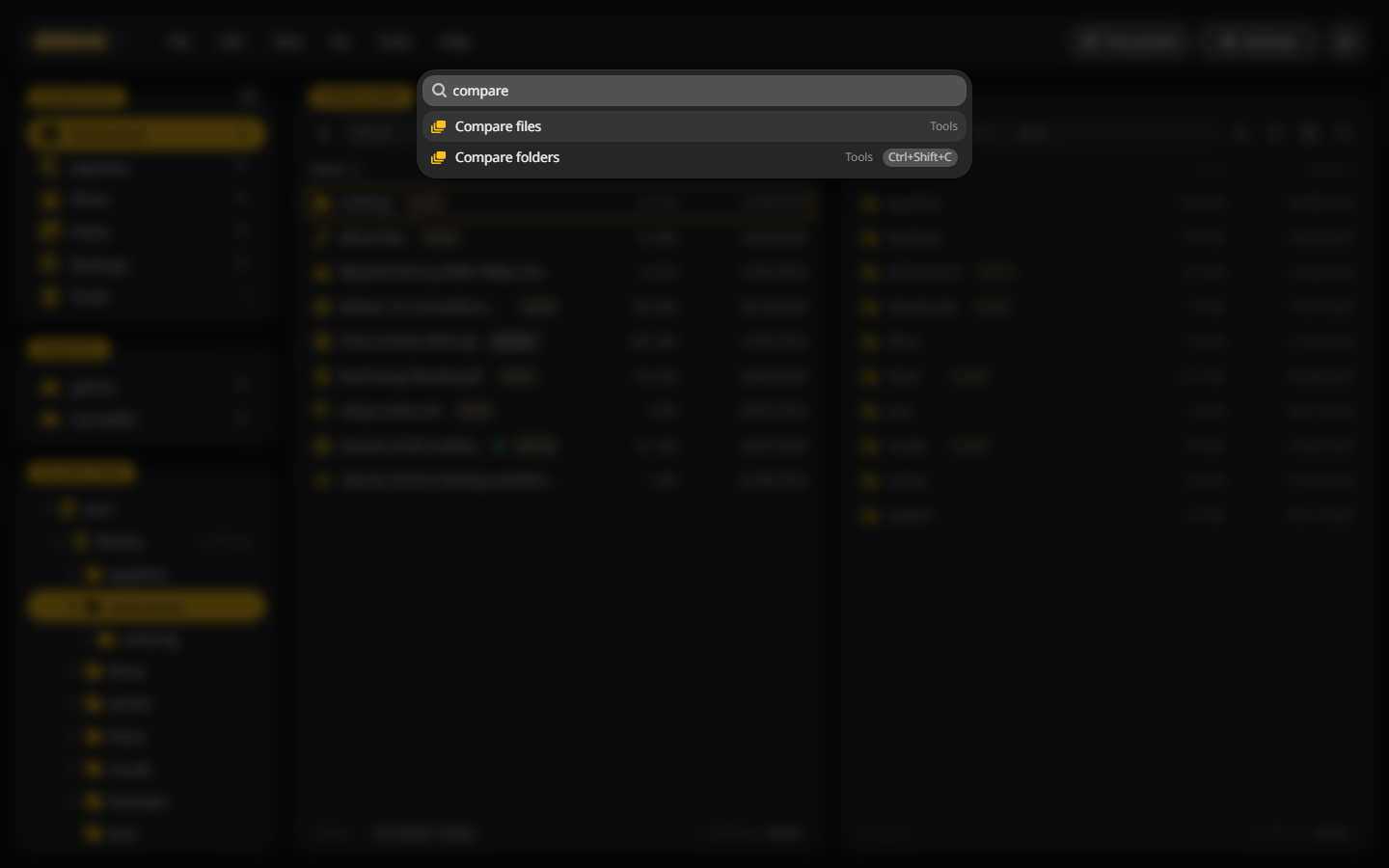
Find a command
Forgot where something is? Ctrl+K opens the command search. Type a few letters and press Enter.
Marking files
| Do this | How |
|---|---|
| Mark the row and move down | Ins |
| Add single files | Ctrl and a click |
| Mark a range | Shift and a click |
Mark by pattern, such as *.jpg |
+ |
| Invert the selection | ++asterisk++ |
| Clear it | - |
| Mark everything | Ctrl+A |
A right click on a file opens its context menu with the commands that fit it.
Unraid in view
On Unraid the list shows a Cache badge on files that still sit on the cache, and the status line names where new files land, such as Cache → Array. Disks that are spun down stay asleep: CannonCommander warns before a copy would wake them.
Window profiles
View > Window profiles saves both panels with their tabs and the columns of the list under a name. Pick it later to get the same setup back.