First start
CannonCommander opens right away as the user admin, without a sign-in. That makes the first look easy, but anyone who reaches the port can use it. Setting a password takes a minute.
On the very first visit a welcome window asks for one window or two. The panels follow your pick at once, and Ctrl+1 and Ctrl+2 switch later on.
Set a password
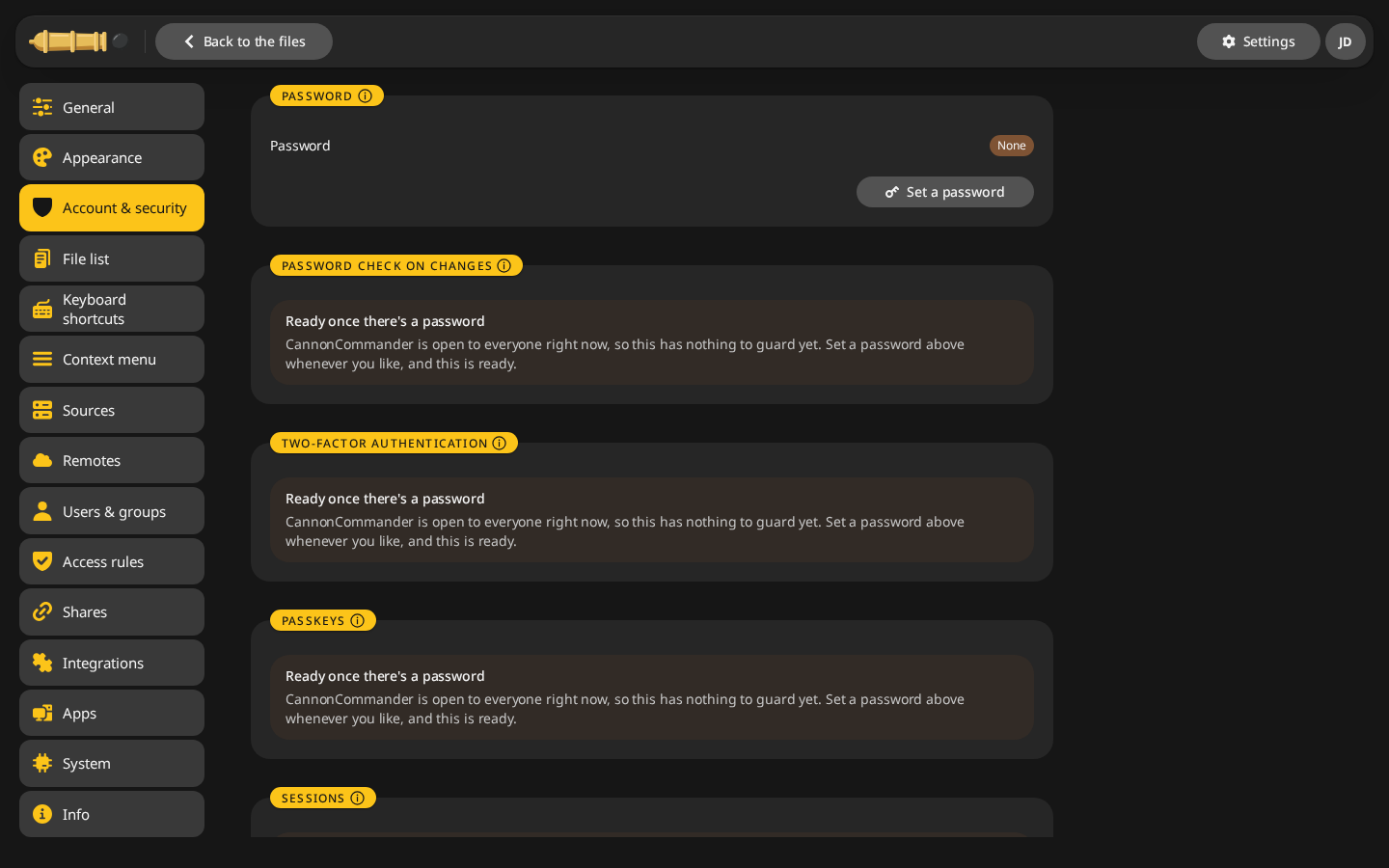
- Click Settings at the top right.
-
Open Account & security. The password shows None.
-
Click Set a password, type it and click Save password. Any length works, and under 12 characters the page tells you it is short.
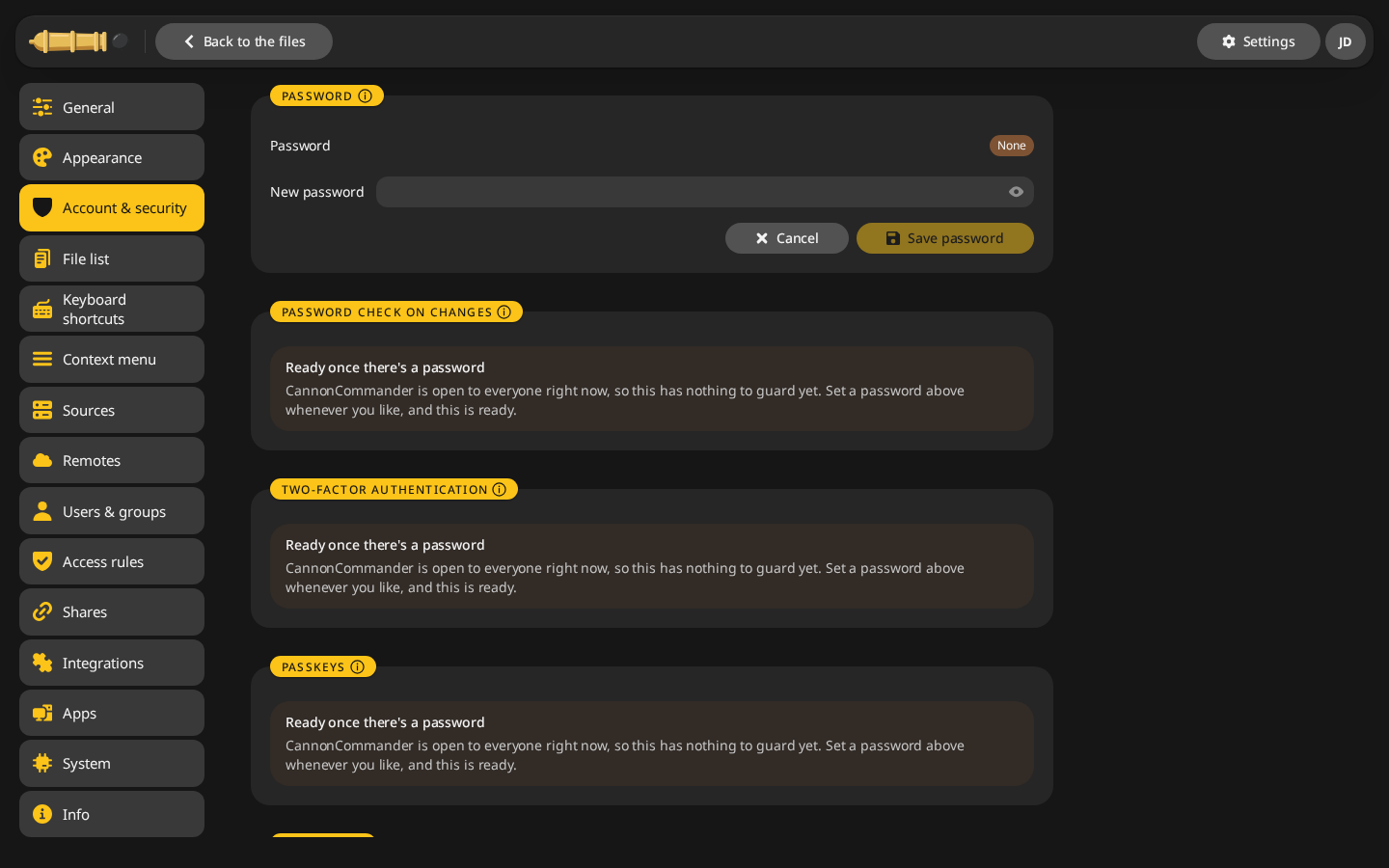
From now on everyone signs in. Two-factor authentication and passkeys now join the API tokens and sign-in services on the same page, see Two-factor and passkeys.
Add more people
Under Settings > Users & groups you add an account per person, each with a role and a folder of their own. See Users and groups.
Going back to no sign-in
Remove password on the same page opens CannonCommander again, as long as no other account signs in with a password. Only do this on a network you trust.
Next
- Learn the panels and tabs.
- Copy your first files: Copy and move.
- Reach it from outside safely: Reverse proxy.