Reverse proxy
To reach CannonCommander from outside your network, put it behind a reverse proxy with https, or use a VPN. Nginx Proxy Manager, SWAG, Traefik and Caddy all work.
Three things to get right
- Pass the
Hostheader on unchanged. WebDAV and passkeys check it against the address you use. A proxy that rewrites it breaks both. - Turn off response buffering. The live updates use server-sent events, which a buffering proxy holds back.
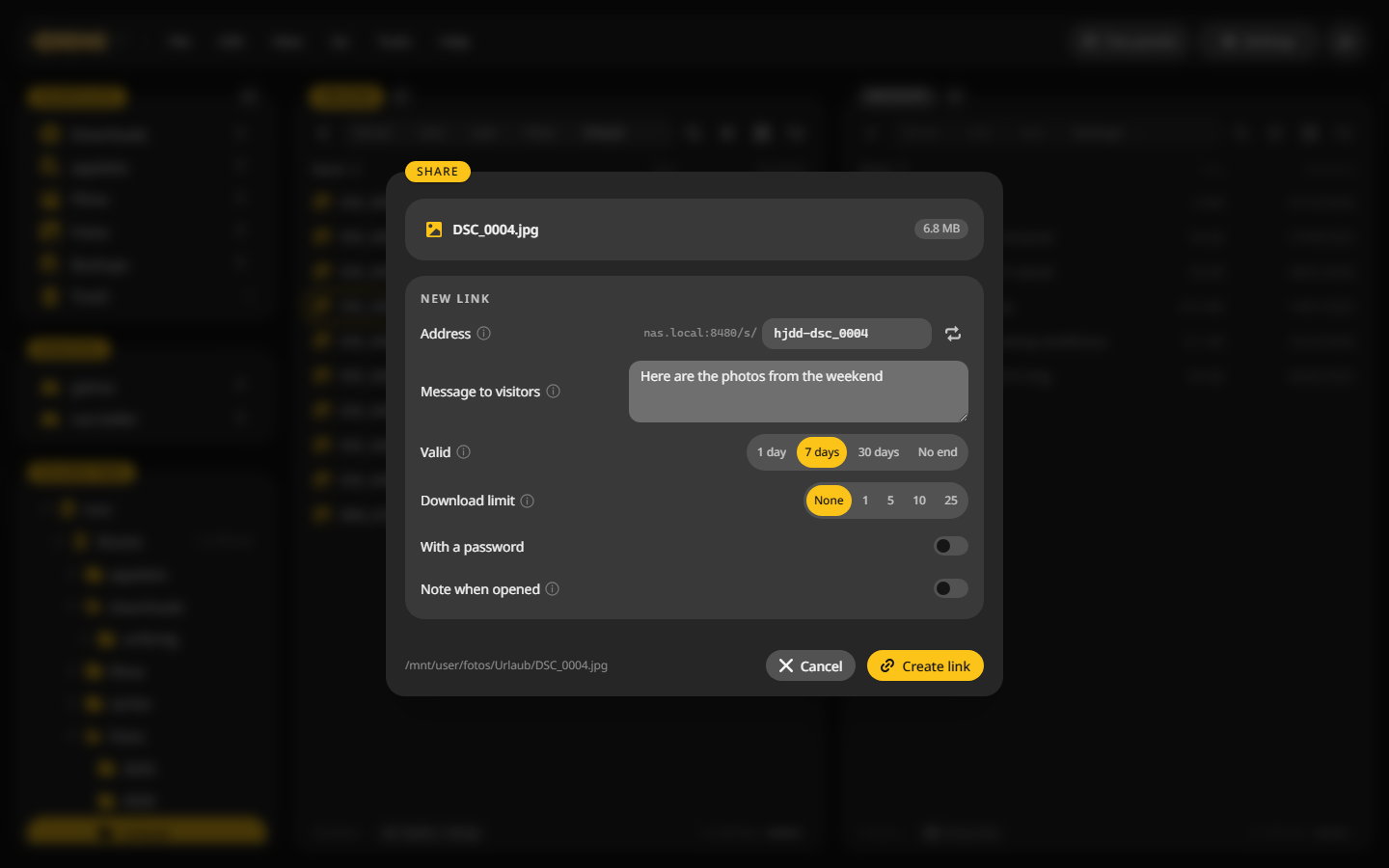
- Tell CannonCommander about the proxy. Then sign-in limits see the real client address, and share links point to the right place.
Tell CannonCommander about the proxy
Add this to /config/config.yaml and restart the container:
http:
  externalUrl: "https://files.example.com"
  trustProxyHeaders: true
  trustedProxies:
    - 192.168.1.10
externalUrl: the address people open.trustedProxies: the address of your proxy.
Share links then use that address:
A sub-path
For an address such as https://example.com/files/, also set baseURL under http:
Example for Caddy
flush_interval -1 turns off buffering, and Caddy passes the Host header on by default.
Example for Nginx
location / {
    proxy_pass http://192.168.1.20:8480;
    proxy_set_header Host $host;
    proxy_set_header X-Forwarded-For $proxy_add_x_forwarded_for;
    proxy_set_header X-Forwarded-Proto $scheme;
    proxy_buffering off;
    client_max_body_size 0;
}
In Nginx Proxy Manager, paste the lines from proxy_buffering on into the Advanced tab of the proxy host.