Permissions
Who new files belong to
| Variable | Default | What it does |
|---|---|---|
PUID |
99 |
The user the server runs as and writes new files as. 99 is Unraid's nobody. 0 runs it as root |
PGID |
100 |
The group for new files, Unraid's users |
UMASK |
000 |
The permission mask for new files. 000 matches Unraid's shares, so you can still change what CannonCommander writes over SMB |
TZ |
Your time zone, such as Europe/Berlin |
On other servers, set PUID and PGID to the user who owns your files. id on the server shows them.
The capabilities it keeps
The server runs as nobody and keeps four capabilities of root. The Unraid template sets them for you:
CHOWNandFOWNERlet Set permissions the Unraid way hand files tonobody:users.DAC_READ_SEARCHreads files that only root may read, such as the share settings in/boot/config.DAC_OVERRIDEwrites where only root may write, such as Unraid's notification folder and the folders on the flash the storeroom clears away from.
The file manager's own users and rules still decide what each person sees and changes.
Look at and change the rights of a file
- Put the cursor on the file or folder.
- Press Alt+Enter or choose File > Properties and rights.
- Change the owner, the group or the rights. Also for everything inside applies them to a whole folder.
- Click Save.
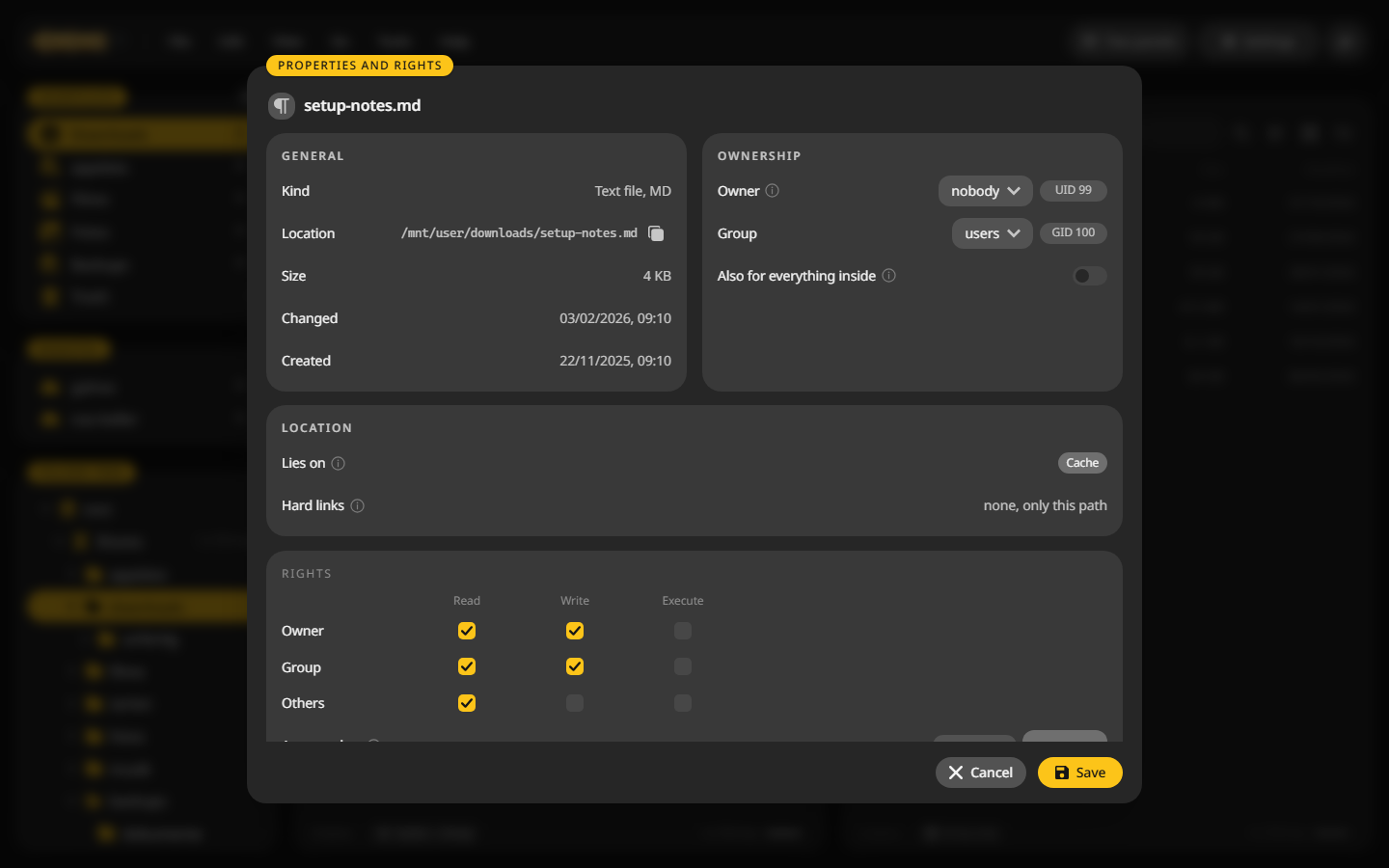
The window also shows whether the file lies on the cache or the array, and its other names if it is a hard link.
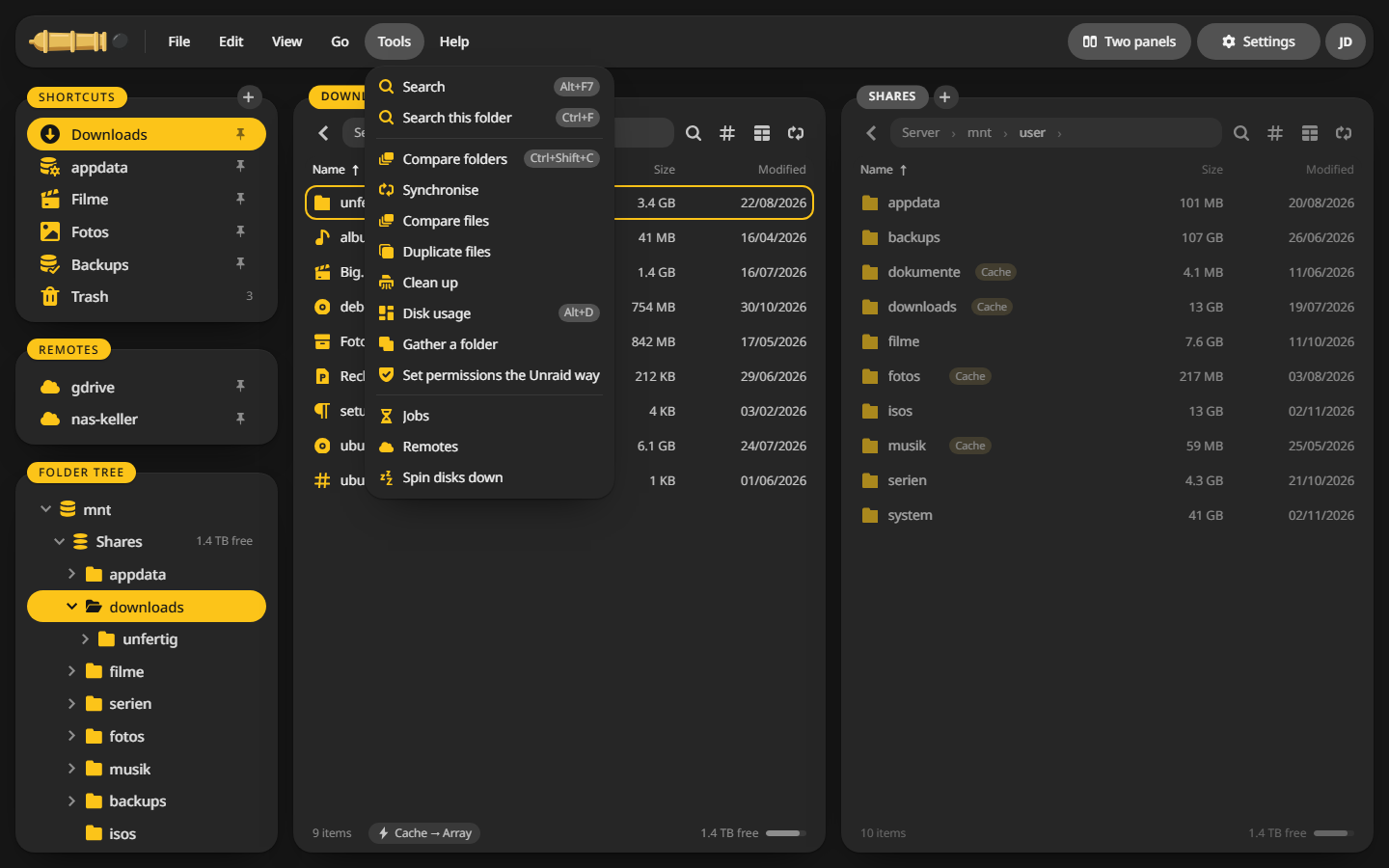
Set permissions the Unraid way
Files a container wrote as root can lock out your SMB users. Tools > Set permissions the Unraid way, or the same entry in the context menu, gives the marked files to nobody:users with the rights Unraid uses for its shares. It runs as a job.