Troubleshooting
Most problems come down to a mapping, a permission or a proxy setting. Here are the usual ones.
First look
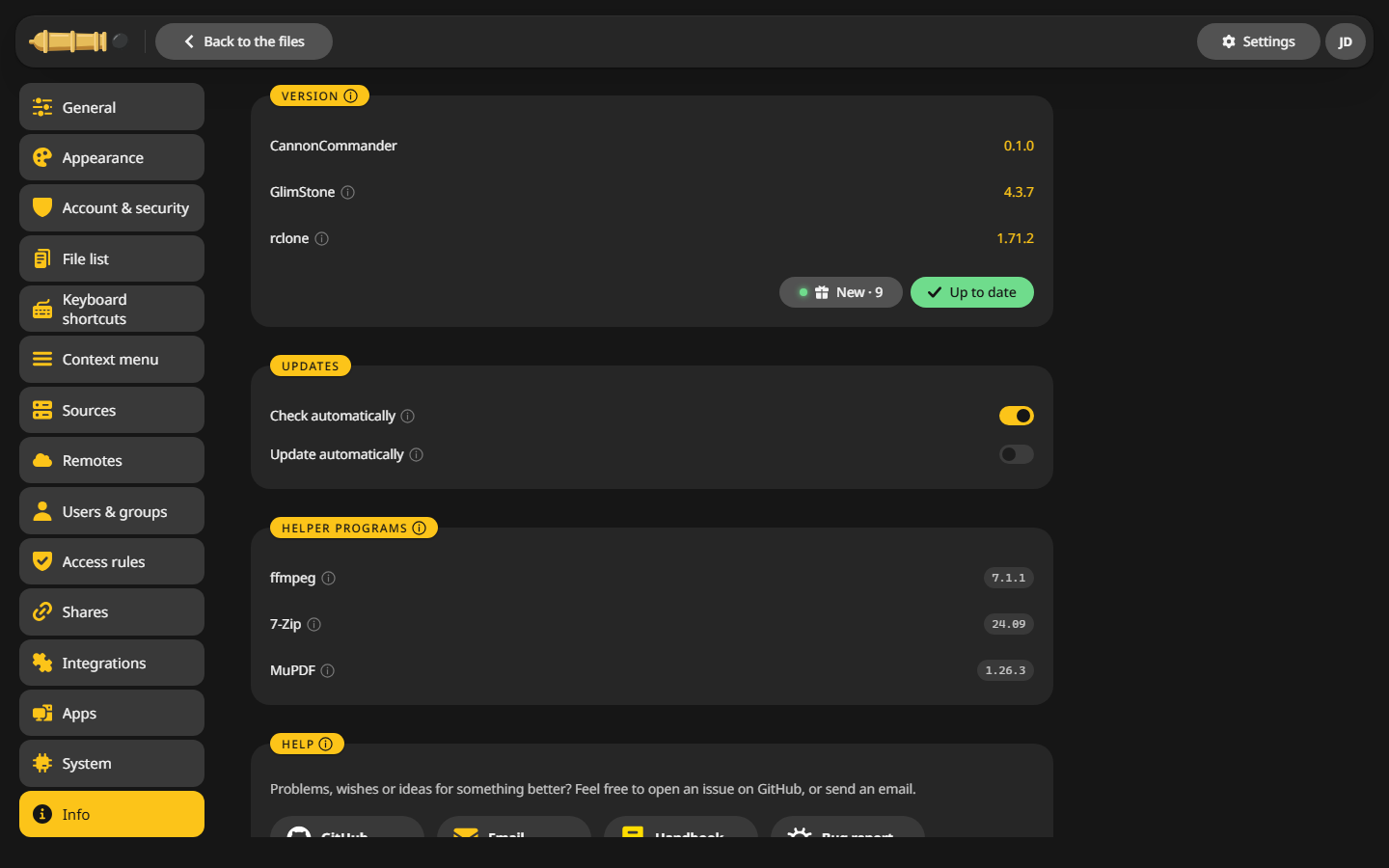
Settings > Info shows the version, whether an update is out, and whether the helper programs are there.
Common problems
I see no files, or only some shares
CannonCommander shows the folders below /mnt/user. Check that /mnt is mapped into the container. On another server, add your folders under Settings > Sources, see Folders.
A disk or pool is missing
Disks and pools are for admins only. To browse one, add it under Settings > Sources. On Unraid the /mnt mapping needs the access mode RW/Slave, otherwise disks mounted later stay invisible.
Permission denied when copying or deleting
The server writes as PUID:PGID. Check that this user may write in the folder, see Permissions. Files a container wrote as root can be handed back with Tools > Set permissions the Unraid way.
Files I wrote cannot be changed over SMB
Keep UMASK at 000 on Unraid, so new files match the share's rights.
A remote does not mount
The container needs /dev/fuse and SYS_ADMIN. On Debian and Ubuntu also --security-opt apparmor:unconfined. See Remote storage.
The list does not update, jobs seem stuck
The live updates use server-sent events. Turn off response buffering in your reverse proxy, see Reverse proxy.
WebDAV or passkeys fail behind the proxy
The proxy has to pass the Host header on unchanged.
Windows will not map the WebDAV drive
Windows Explorer maps WebDAV only over https. See WebDAV.
No passkey can be added here
Browsers tie a passkey to a domain name with a trusted certificate. Open CannonCommander through its https address.
Share links point to the wrong address
Set externalUrl in config.yaml, see Reverse proxy.
Videos do not play
Switch on Play videos in the browser under Settings > Integrations. It converts MKV and similar formats while they play.
I forgot my password
Click Forgot password? on the sign-in page and take the code from the container log. See Forgot the password for the steps and what the reset ends. Another admin can also set a new password for you under Settings > Users & groups.
The activity log
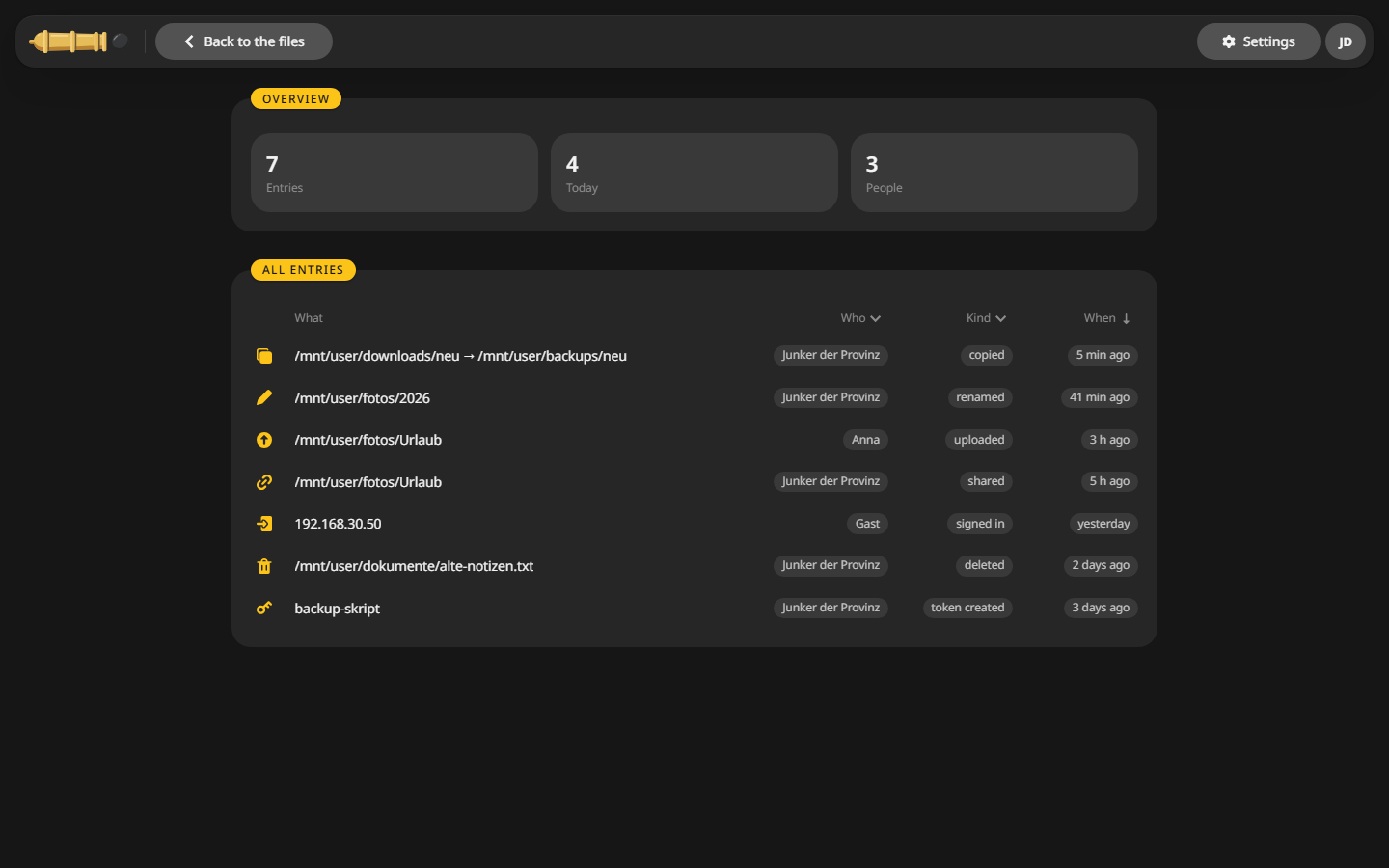
Go > Activity lists who did what and when: copies, renames, uploads, shares, sign-ins, deletes and new tokens.
The log
Settings > System > Log switches between Errors only, Normal and Detailed. The container log in Unraid's Docker tab, or docker logs cannoncommander, shows it.
Report a problem
- Open Settings > Info and click Bug report. It downloads a file with the settings and the state of the jobs, without passwords, keys or credentials.
- Open an issue and attach the file.
Questions are welcome in the support thread.