Terminal
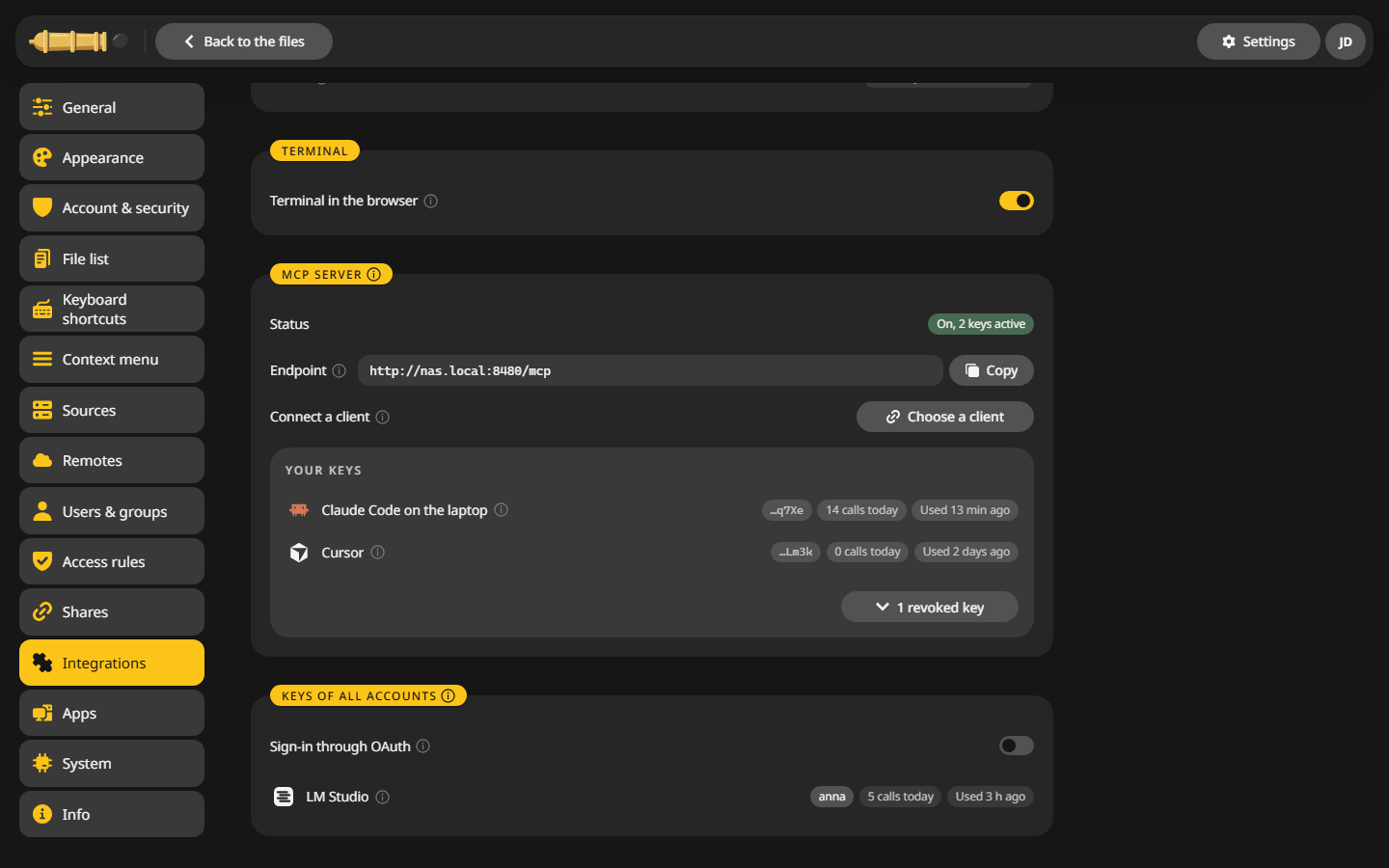
Admins can open a shell on the server in the folder they are looking at. It stays off until you switch it on.
Switch it on
- Open Settings > Integrations.
- In the Terminal card, switch on Terminal in the browser.
Think before you switch it on
Whoever opens the terminal can do on the server whatever CannonCommander's user may, past every access rule. With sign-in turned off everybody who reaches the page counts as an admin, so all of them would get a shell.
Open a terminal
Any of these opens one in the current folder:
- type
bash,cmd,terminalorpowershellinto the path field (Ctrl+L) and press Enter, - Tools > Open terminal here,
- Open terminal here in the context menu of the list.
Until the switch is on, CannonCommander says so and offers a way to the settings.
What runs there
- A Linux shell inside the container,
bashwhere the image has it. - It runs as
PUID:PGID, without the extra capabilities the server keeps. - Only signed-in admins get one, never an API token, and at most four at a time.
- It closes after 30 minutes without typing, when the session ends and when the switch goes off.
- Opening and closing go into the activity log. What is typed does not.
In the desktop app
The same words open your own computer's terminal in a window of its own, with no switch to turn on:
| System | Word | Opens |
|---|---|---|
| Windows | cmd |
Command Prompt |
| Windows | powershell |
Windows PowerShell |
| Windows | pwsh |
PowerShell 7 |
| Windows | wt |
Windows Terminal |
| Windows | terminal |
Windows Terminal where installed, otherwise the Command Prompt |
| macOS | any of them | Terminal |
| Linux | any of them | The terminal in TERMINAL or x-terminal-emulator, else the first common one found |