MOS, ZimaOS, CasaOS and umbrelOS
CannonCommander is in the app stores of these systems too. Each install takes a few clicks and shows the system's own storage folder.
- Open the MOS Hub on your server.
- Search for CannonCommander and install it.
- Open it from the app list. It shows
/mnt/cache.
- Add the community store to the App Store. The link shows how.
- Search for CannonCommander and install it.
- Open it from the dashboard. It shows
/DATA.
- Add the community app store in the umbrelOS App Store.
- Install CannonCommander from it.
- Open it from the home screen. It shows umbrelOS's storage folder.
After the first click you see the two panels:
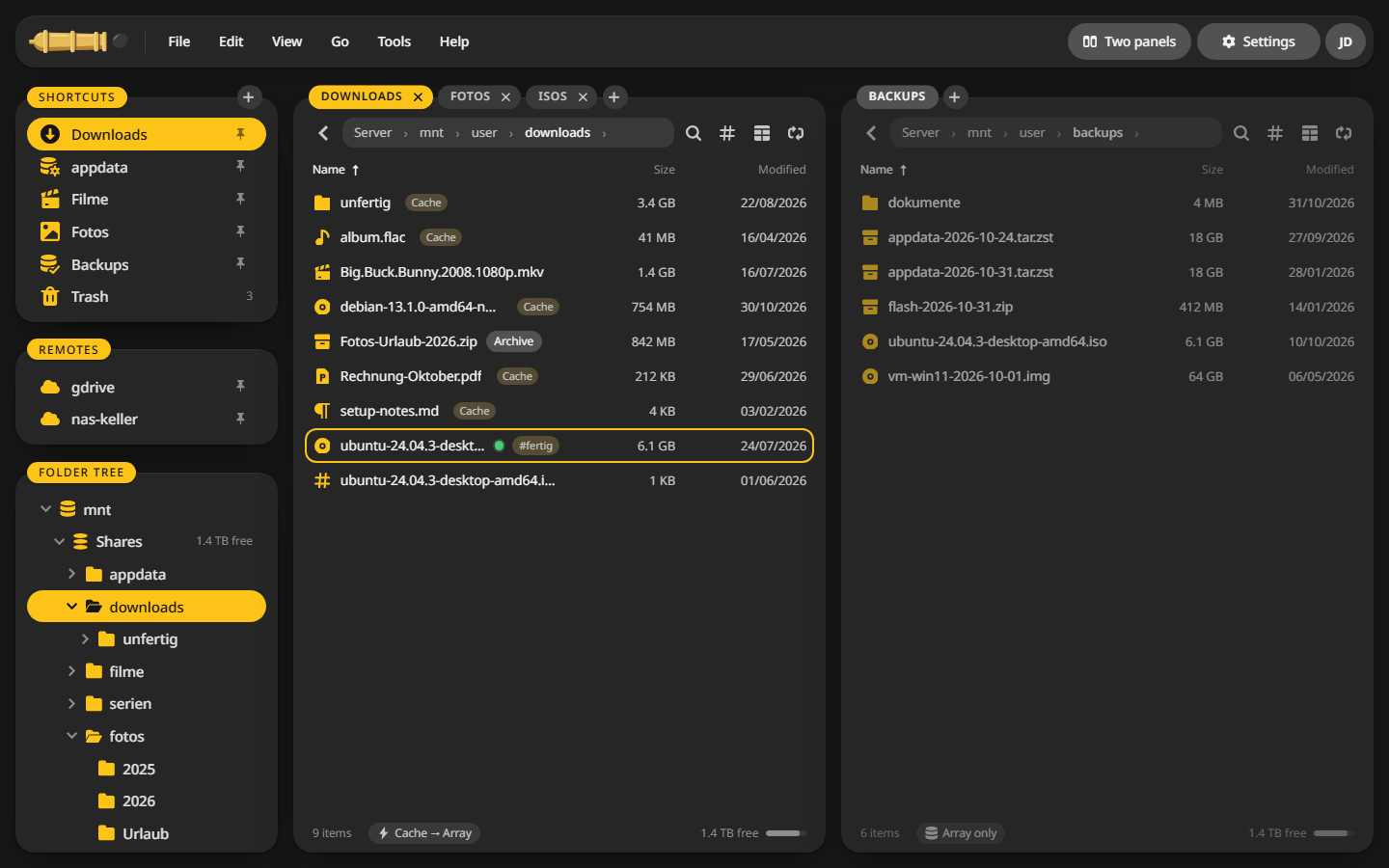
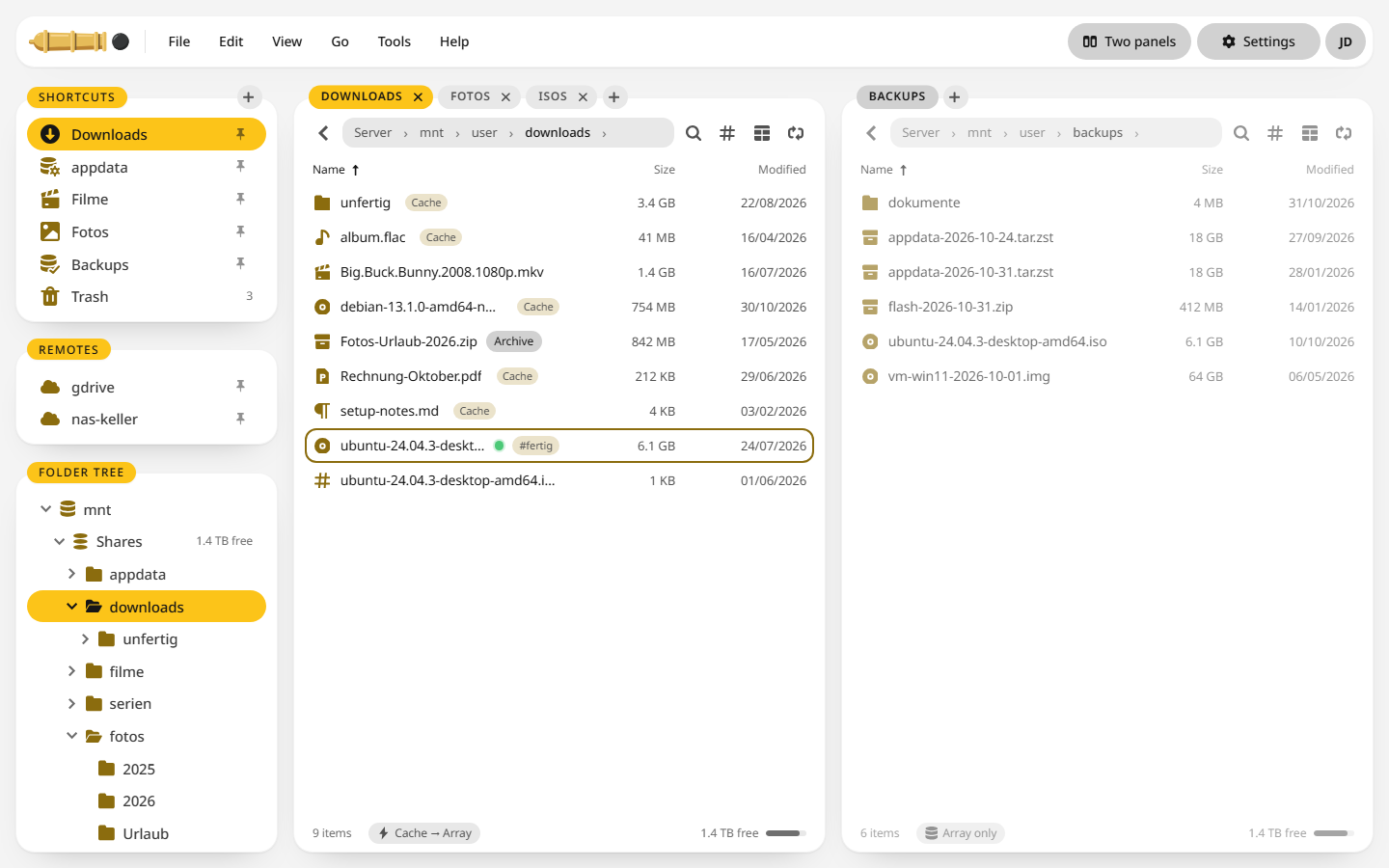
To show other folders, add them under Settings > Sources. See Folders.
Then set a password: First start.