Unraid
The Unraid template sets everything up for a normal server. The defaults are fine, so installing takes a minute.
Install it
- Open the Apps tab in Unraid. It is the Community Applications store.
- Search for CannonCommander and click Install.
- Leave the fields as they are and click Apply.
- When the container runs, click its icon in the Docker tab and pick WebUI, or open
http://<your server>:8480.
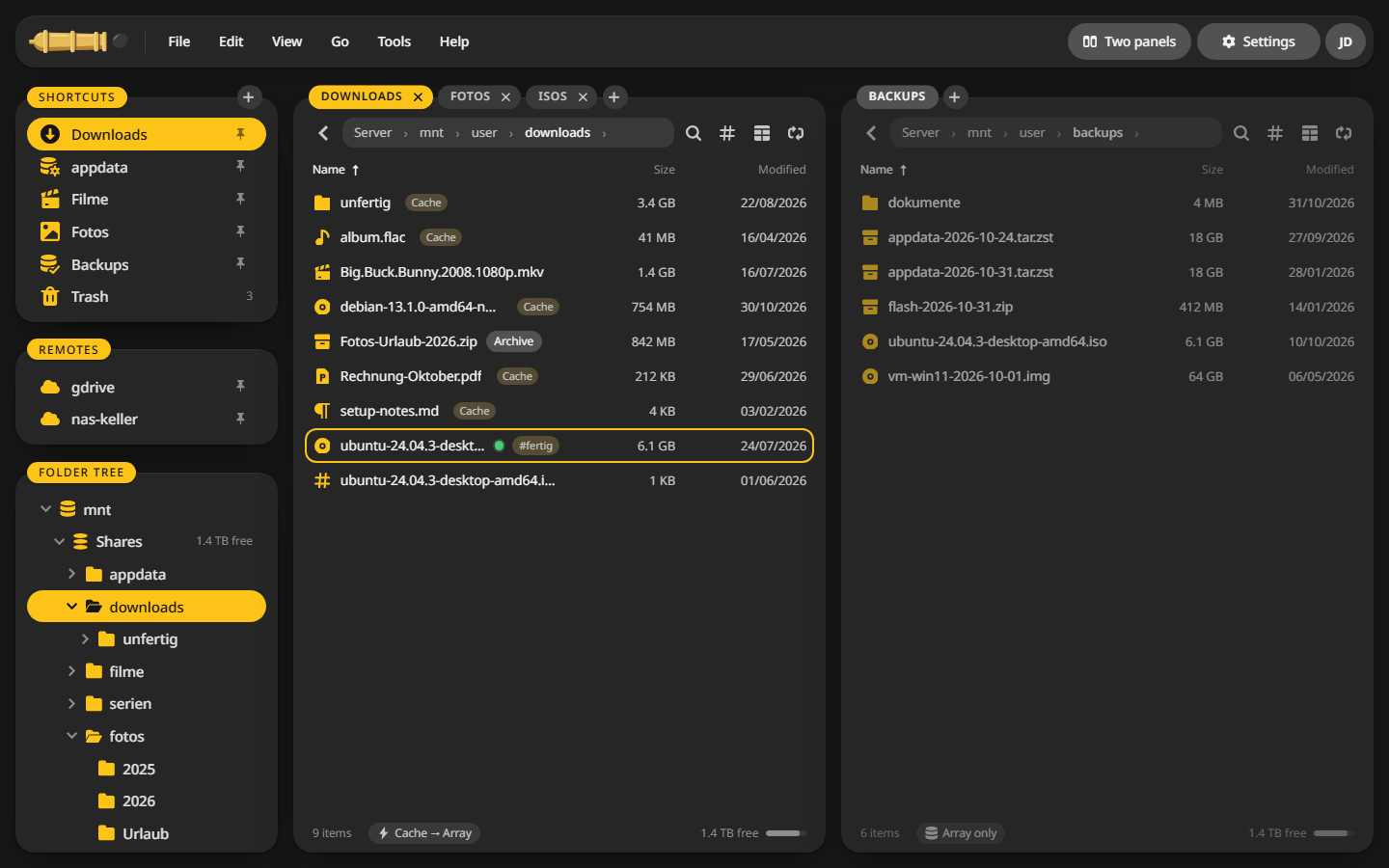
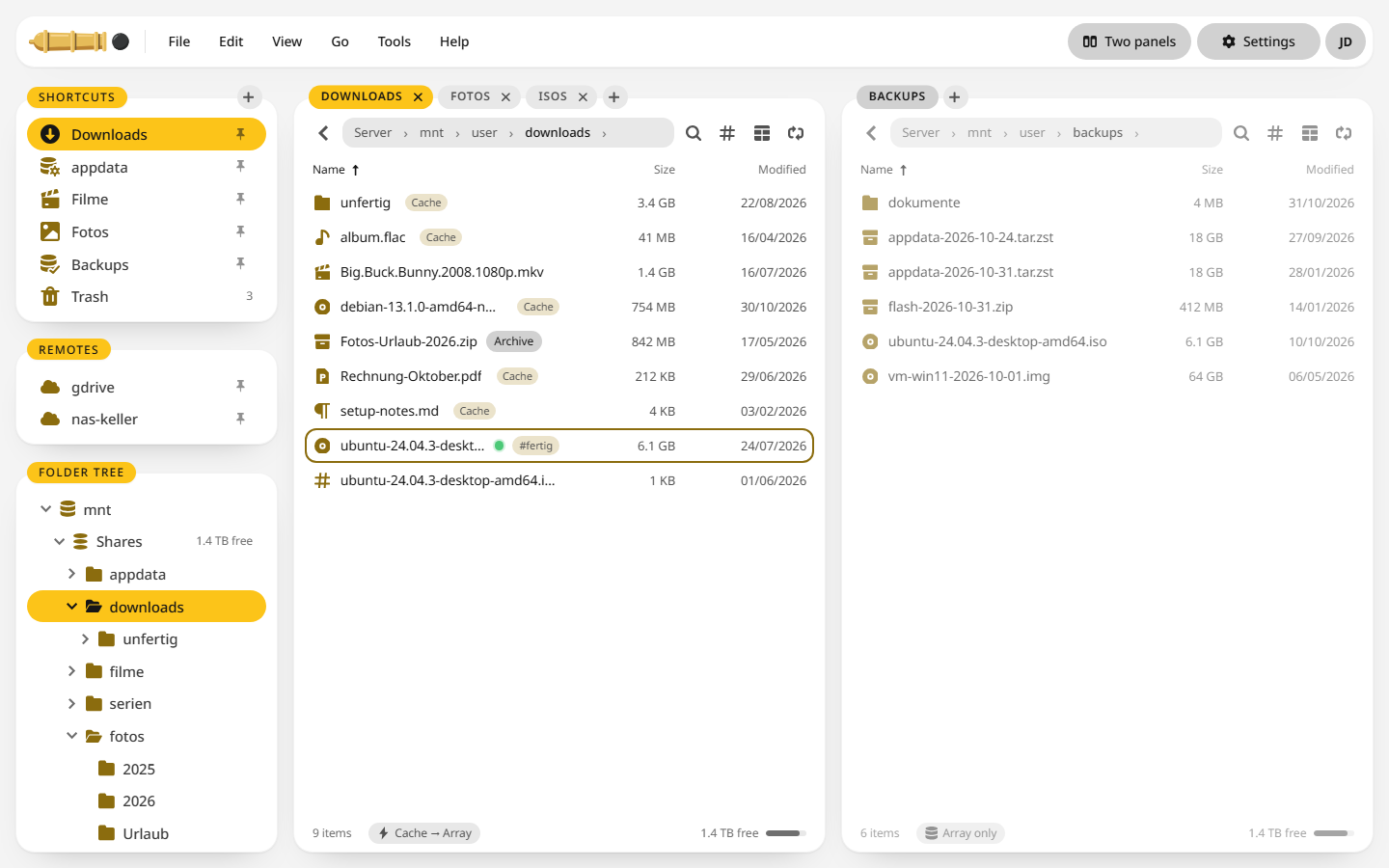
You land in the two panels, with your user shares on both sides:
What the template maps
| Field | In the container | Why |
|---|---|---|
| WebUI Port | 80, shown as 8480 |
The interface |
| Config | /config |
Settings, database, thumbnails, rclone's configuration |
| Storage | /mnt, access mode RW/Slave |
Your shares, disks and pools. Slave lets disks mounted later show up too |
| FUSE | /dev/fuse |
Mounting remote storage |
| Unraid state | /var/local/emhttp, read only |
Disks, pools and shares as Unraid sees them |
| Unraid settings | /boot/config, read only |
Share settings, for placing files and for permissions |
The variables PUID, PGID and UMASK are explained under Permissions.
Next step
Anyone who reaches port 8480 can use CannonCommander until you set a password. Do that now: First start.