Editor
A text and code editor in the browser, for the compose file or a config you would otherwise open over SSH.
Edit a file
- Put the cursor on a file, or mark several.
- Press F4. Each file opens in a tab.
- Change it and press Ctrl+S.
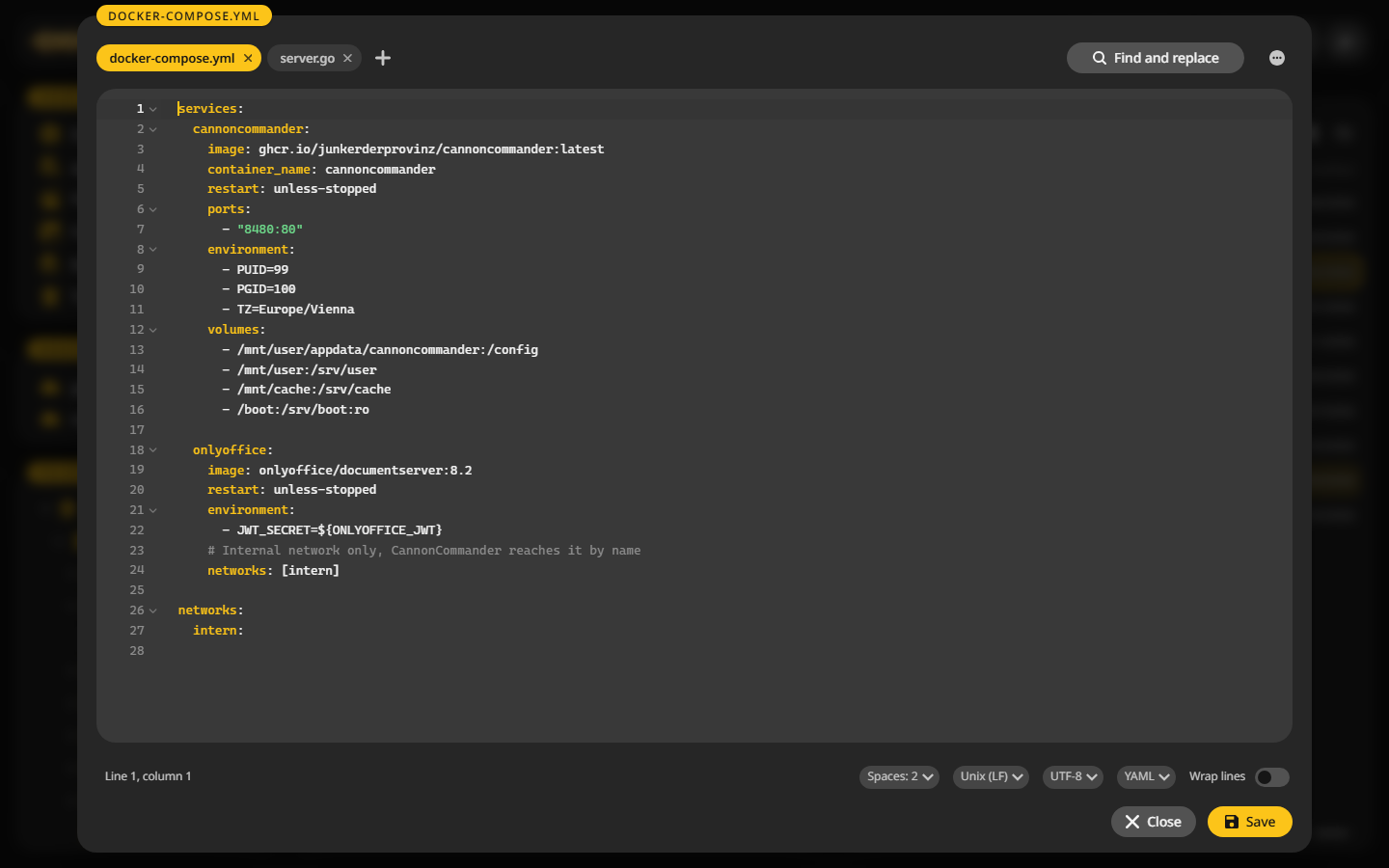
Shift+F4 makes a new file and opens it.
Handy keys
| Key | Does |
|---|---|
| Ctrl+S | Save |
| Ctrl+F and Ctrl+H | Find, find and replace |
| F3 and Shift+F3 | Next and previous match |
| Ctrl+G | Go to a line |
| Ctrl+D | Duplicate the line |
| Alt+Up and Alt+Down | Move the line |
| Ctrl+/ | Comment the line in or out |
| Ctrl+Tab and Ctrl+W | Next tab, close the tab |
Find and replace can match case, whole words or a regular expression.
The status bar
At the bottom: line and column, the indent, the line endings, the encoding and the language. Click one to change it. Wrap lines breaks long lines at the window edge.
Vim keys
Settings > Keyboard shortcuts > Vim keys in the editor switches the editor to vim's modes and keys.
When someone else changed the file
If the file changed on the server while you edited it, CannonCommander does not overwrite it. Your version stays in the editor, so you can copy what you need and reload.