Remote storage
SFTP, SMB, WebDAV, S3, the big cloud drives and everything else rclone speaks show up as folders next to your shares. CannonCommander starts rclone itself, so there is nothing to install.
Add a remote
-
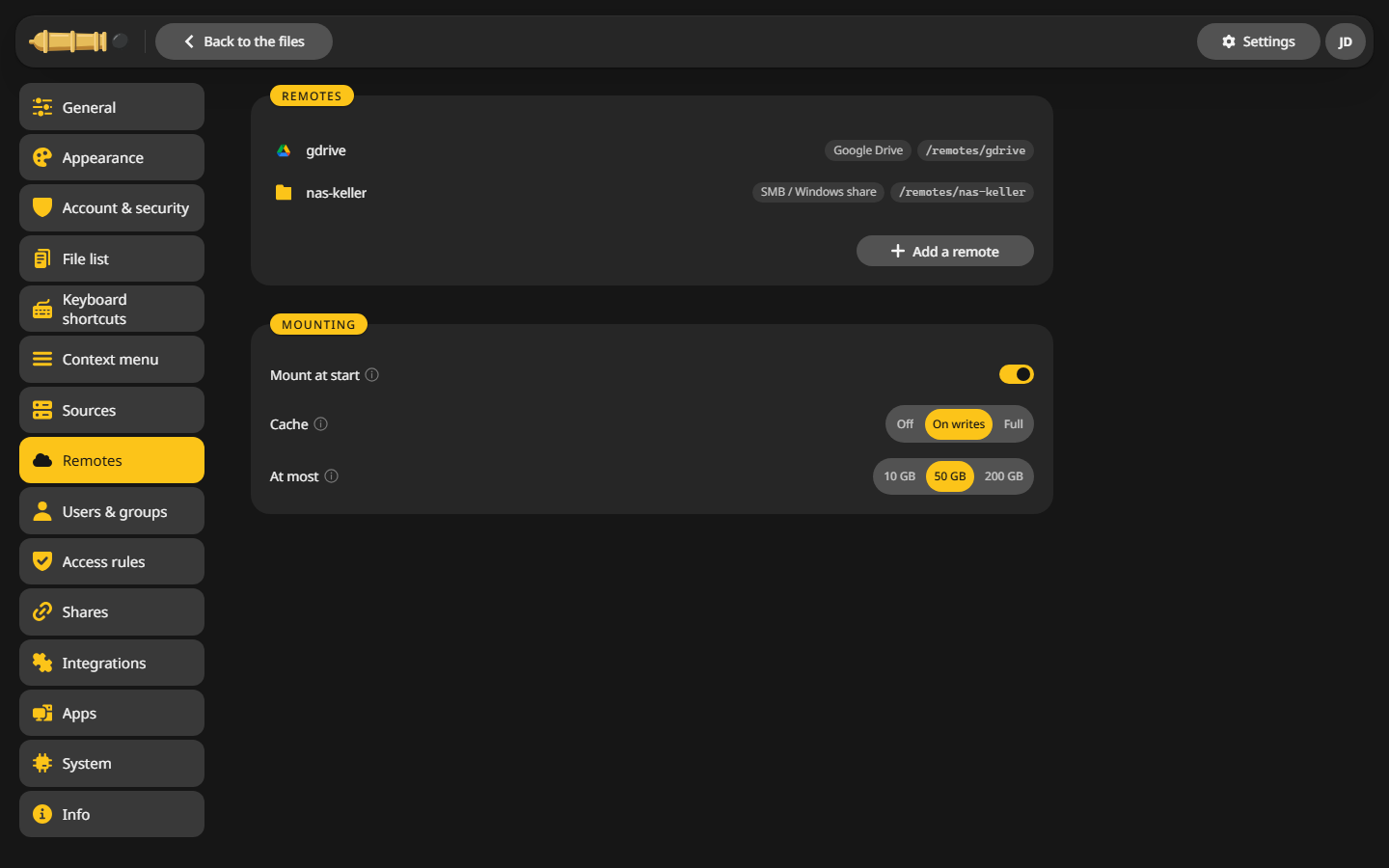
Open Settings > Remotes and click Add a remote.
-
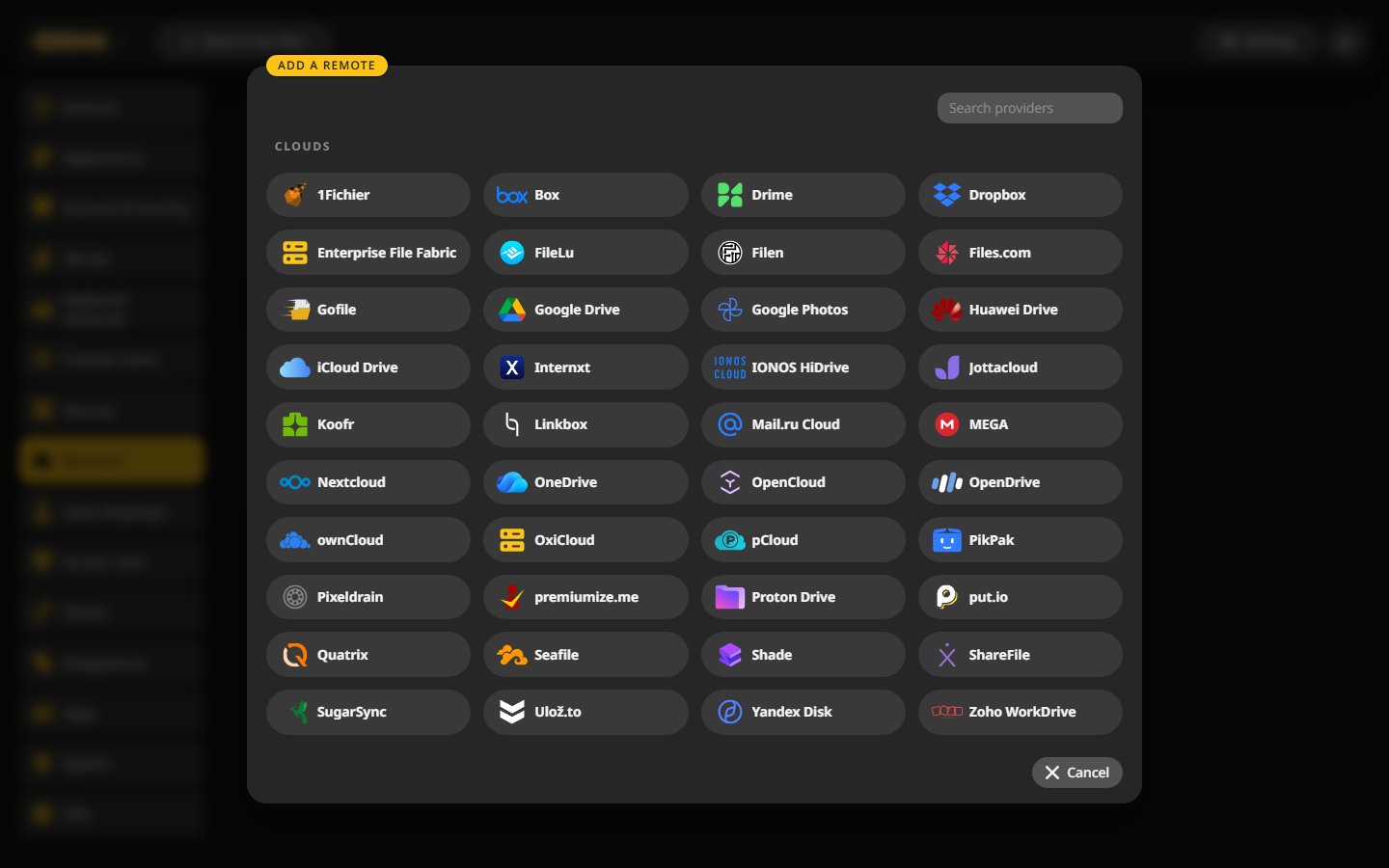
Pick the provider. The search field at the top narrows the list.
-
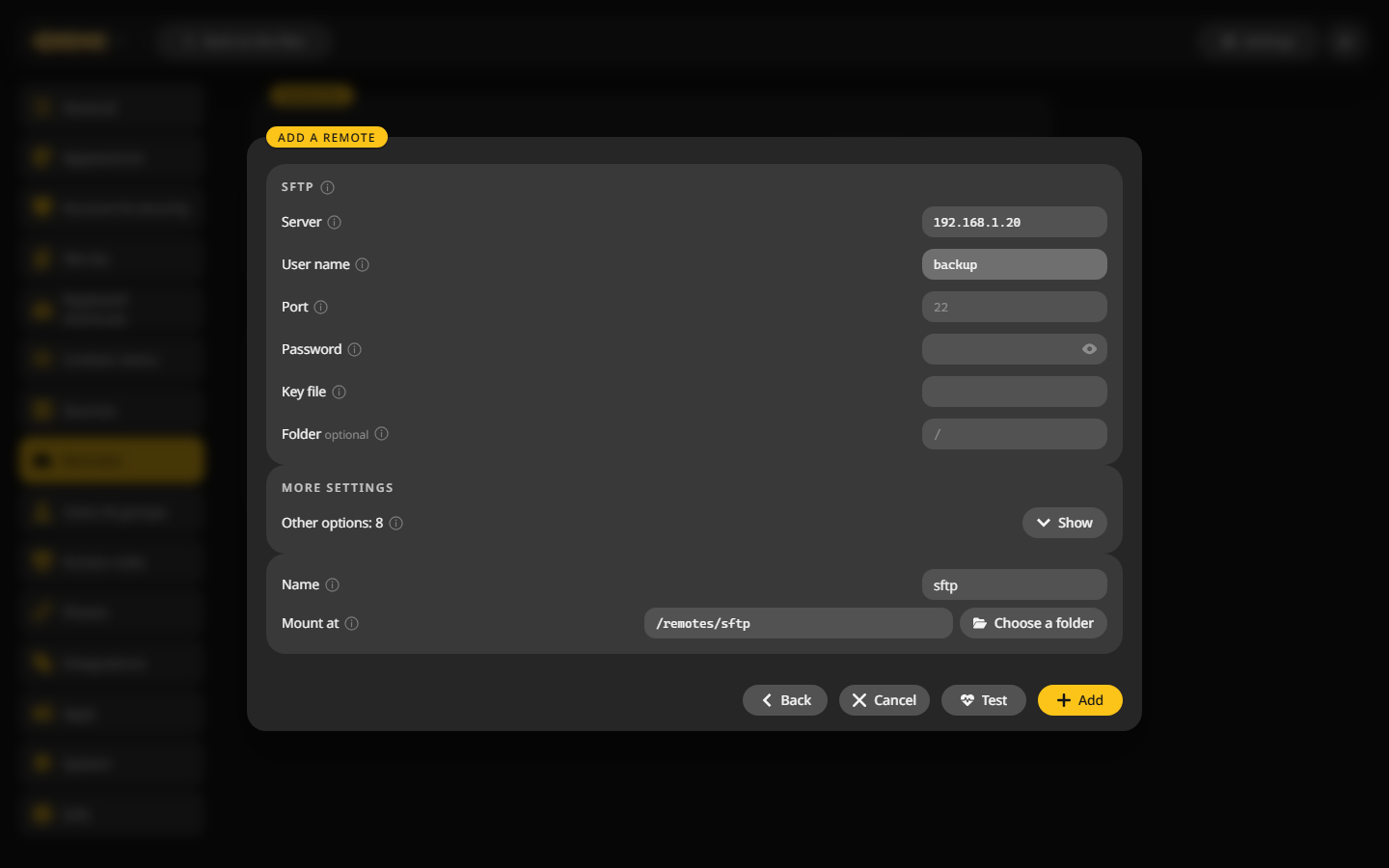
Fill in the fields the provider needs. For SFTP that is the server, the user name and a password or key file.
- Give it a Name and check Mount at. The folder has to be below
/remotes. - Click Test, then Add.
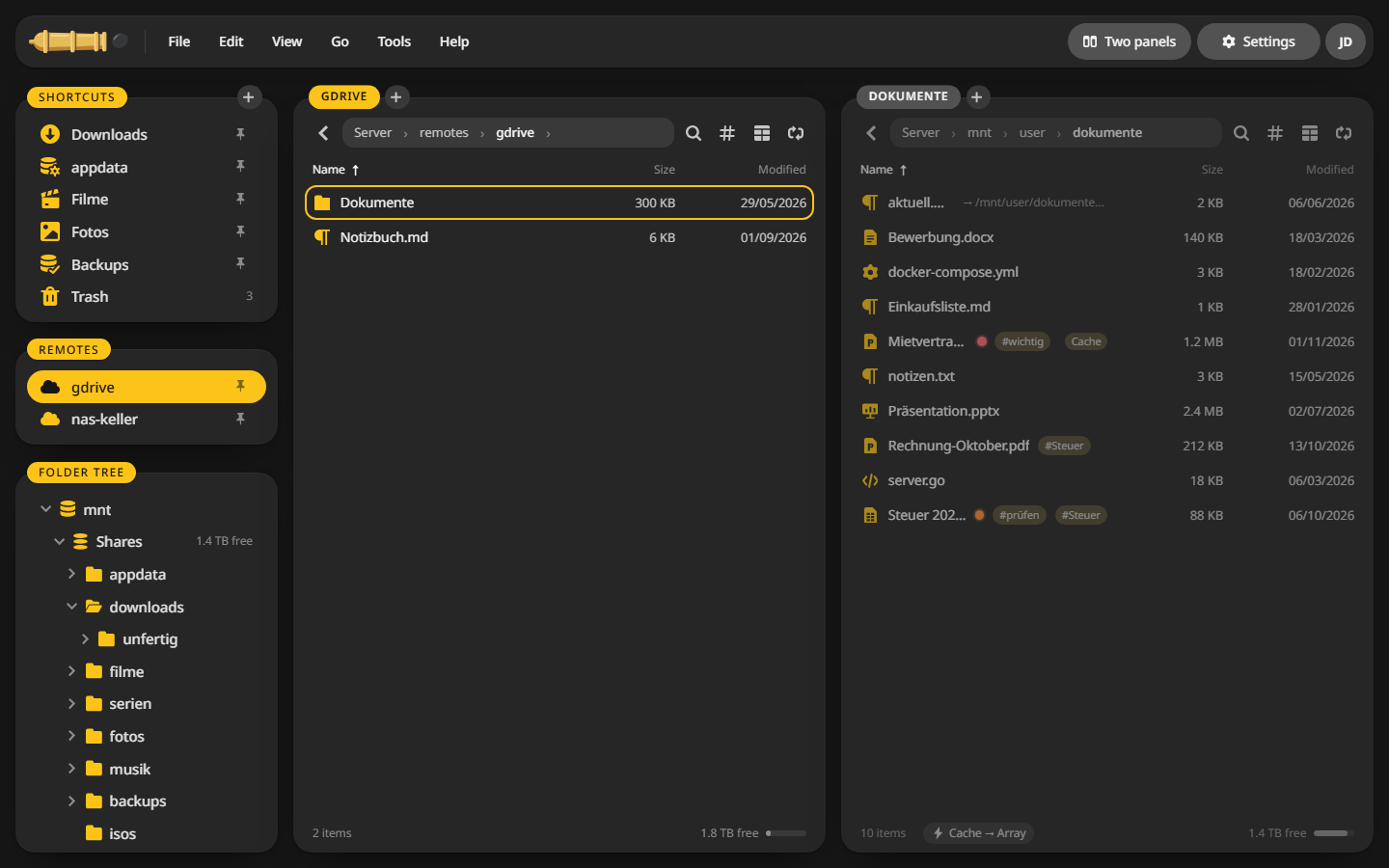
The remote now sits under Remotes in the sidebar. Open it like any folder, and copy between it and your shares with F5:
Providers that sign in through a browser
Google Drive, OneDrive, Dropbox and a few others sign in through a web page. The server cannot open one, so you make a token on your own computer once:
- Install rclone on a computer with a browser.
- In the remote form, copy the command shown under Run on your computer. It looks like
rclone authorize "drive". - Run it in a terminal. A browser opens, you sign in and allow access.
- The terminal prints a token. Paste it into Token and click Use it.
CannonCommander only gets the token, never your password.
Mounting and cache
Under Settings > Remotes > Mounting:
- Mount at start mounts every remote when the container starts.
- Cache keeps files on the server for a moment, so programs can open them like local files. Off saves space, On writes suits most uses, Full is fastest and takes the most room.
- At most limits the cache to 10, 50 or 200 GB.
Where things live
- rclone's configuration:
/config/rclone. - The mounts: below
/remotesinside the container. Neither the server nor other containers see them.
What the container needs
Mounting needs /dev/fuse and the SYS_ADMIN capability. The Unraid template sets both. On Debian and Ubuntu, Docker's AppArmor profile also has to allow it, see Other Docker hosts.
In the desktop app remotes are not available, since it has nothing to mount them with. Mount them on the server instead.