Schedules
Settings, Schedule holds every plan: the full backup that covers everything, a plan of its own for a section, the off-site copies, which entries take part and in what order. A single entry can get a plan of its own on its page. This page explains how they fit together and walks through a typical setup.
Plans read as sentences
Every plan is a button that reads as a sentence, such as daily at 03:00 or every 2 days at 01:30. A click opens it with five modes:
| Mode | What you set |
|---|---|
| Off | Nothing runs on this plan. |
| Daily | Time |
| Weekly | Days and Time |
| Every N days | Every so many days, and the Time. It counts from the last scheduled run, so backing up one entry by hand does not push the plan back. |
| Cron | An Expression of five fields, such as 0 */6 * * * for every 6 hours. Examples offers a few, and the window shows the next runs. |
All times are in the server's time zone. On Unraid that is the system's own. Elsewhere, set TZ, or every plan runs in UTC, see Environment variables.
Week
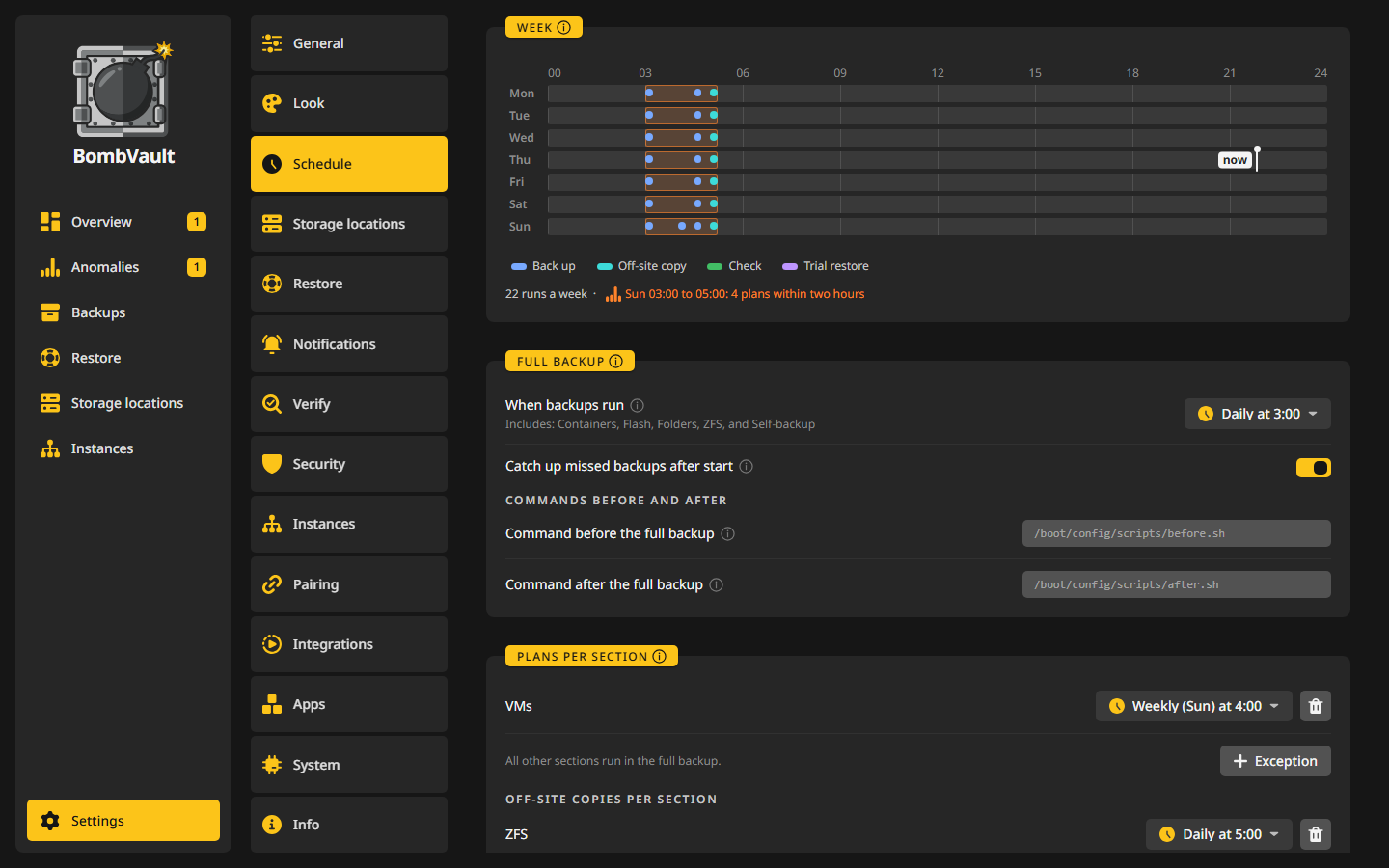
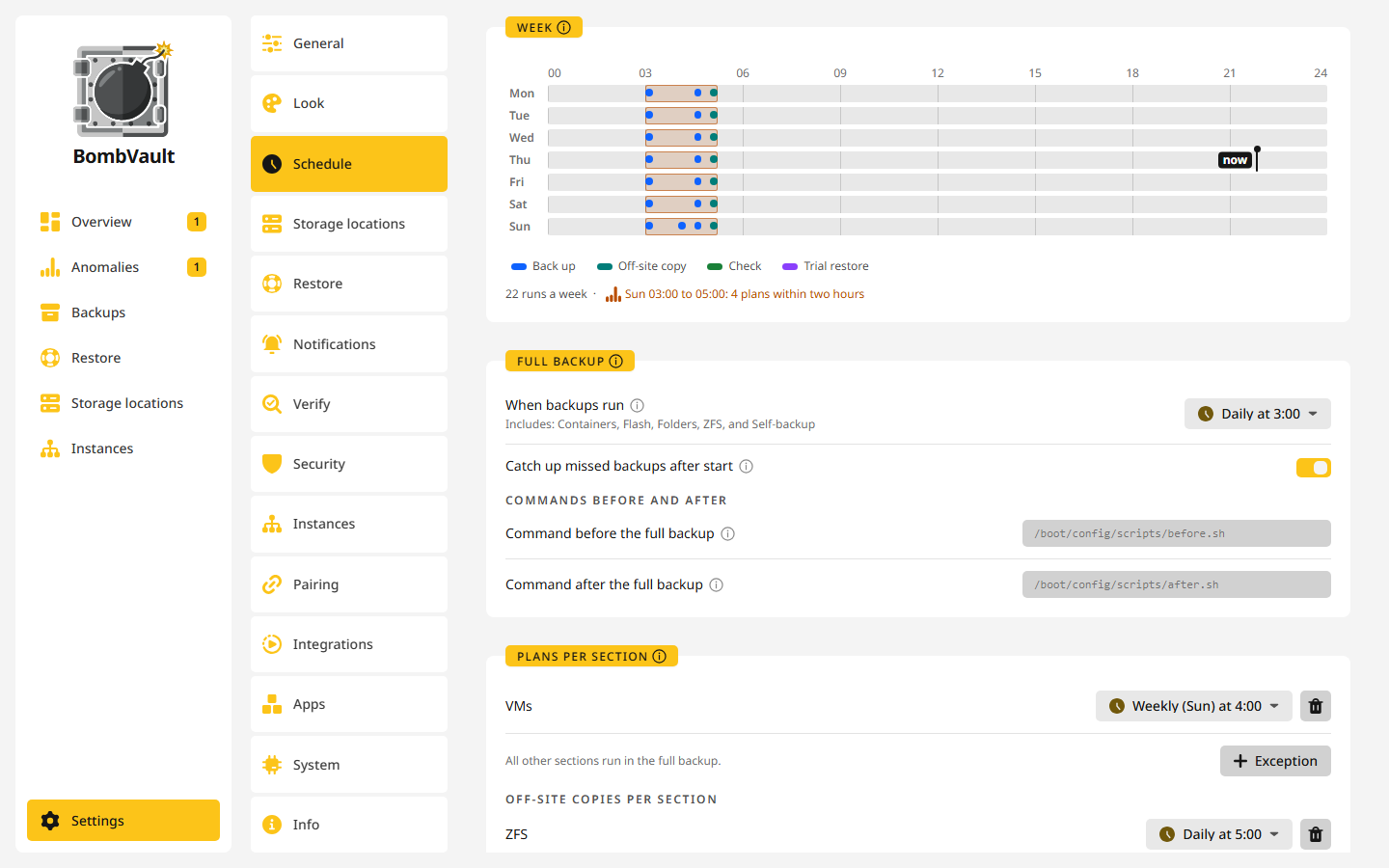
The Week card draws every planned run from Monday to Sunday, one line per day: backups, off-site copies and checks. Point at a stroke to read what starts there. Where three plans start within two hours, the stretch is marked, so you can spread them out.
Full backup
The Full backup is the default plan for everything. When backups run sets it: one pass that backs up every section in turn, containers, VMs, flash, folders, ZFS datasets and the self-backup last. The line under it says which sections it includes. Off turns it off, and then only what has a plan of its own runs.
- Catch up missed backups after start: when the server was off at a planned time, BombVault runs that backup about two minutes after it starts. An entry's own plan and an off-site plan wait for their next planned time, and so does a plan that has never succeeded.
- Commands before and after: Command before the full backup runs on the server with
sh -cbefore the pass starts, for example a script that stops a service. If it fails, the full backup still runs. Command after the full backup runs once after every section was tried, even if one of them failed, which suits a ping that confirms the whole server is protected. Commands for a single container are on its page.
Back up everything now on the Backups page starts the same pass by hand, over every switched-on section.
Plans per section
A section can leave the full backup and run at its own time. In Plans per section, Exception adds a section with a plan of its own, and Remove exception sends it back. The line in the card says what the others do, such as All other sections run in the full backup.
A section with its own plan is not backed up again in the full backup, so nothing is backed up twice. The same holds for a single entry with its own plan.
Off-site copies per section works the same way for copies. By default every section copies to its off-site locations right after each backup. Exception gives one section a copy plan of its own, for example so the VMs copy to Backblaze B2 only on Sunday nights. A storage location's own Copy card can also set When to copy, see Off-site copies.
Scheduled entries
Scheduled entries says per section how many entries take part, such as 38 of 41 scheduled. Entries opens the list with an On schedule switch per entry. An entry that is switched off is only backed up when you start it by hand. It counts as not protected unless you mark it Don't back up.
Order
Order sets the order in which scheduled runs and the full backup back up containers and VMs. Drag an entry into place or use the arrows, and every move is saved right away. Entries you leave unordered are backed up most overdue first. A single backup by hand is not affected.
Restart after backup in the same card covers the containers that Stop other containers took down during a backup. They start again in their dependency order, and with Wait for dependencies to be healthy before starting the next each one has to report healthy or running before the next starts. Per-container health timeout (seconds) caps the wait, 120 by default, in a range of 5 to 3600.
Snapshot instead of stop
Stop containers on ZFS only for a snapshot is on by default. A container whose data lies on ZFS is stopped only while BombVault takes a snapshot of that data, usually a few seconds, and the backup is then read from the snapshot. It needs the SSH connection to the host that ZFS datasets use. A container with part of its data elsewhere is stopped for the whole backup as before, and its run says why, while a container with none of its data on ZFS is stopped without a note. It works on an Unraid user share that lies on a single ZFS pool. On TrueNAS the app also needs the SYS_CHROOT capability, see TrueNAS SCALE. A single container can be set differently on its own page.
The backup lands under the same paths and tags as one taken with the container stopped, so restores and checks treat both alike. The command before the backup and the database dump still run first, the other containers to stop go down and come back with it, and the command after the backup runs as soon as the container is up again. An update after the backup still waits until the backup is done. Its runs show Snapshot and how many seconds the container was down. Should BombVault stop in the middle of any container backup, it starts the containers it held down again the next time it starts.
Updates after the backup
- Update containers after a successful backup pulls a newer image only after the backup before it has finished, so a fresh restore point always exists first. It is off by default, and a single container can be set differently on its page under Update after a successful backup. Only what you set carries over to the new image: variables, labels, the command, the user and the healthcheck that still read as in the old image follow the new one. If the new image cannot be created or started, the container goes back to the image it ran, the update shows as failed, and the next backup tries again. A container left down by that is named on the backup's run and in a notification.
- Remove the old image after an update deletes the image the container left. A base image other containers share is never deleted.
- Refresh Unraid's update status after updating a container clears Unraid's update banner for that container.
A message per updated container is set under Settings, Notifications with Notify on container update.
Idle before backup
The Idle before backup card sets when an app counts as idle for a container whose scheduled backup waits for it: CPU below (% of a core), Traffic below (Mbit/s) and For at least (min). A media server counts as idle when it is not streaming, and for a container on the host network only CPU counts. The waiting itself is set on each container, see When the app is busy.
An own plan for one entry
Every entry has Own plan in the Schedule and storage location card of its Settings tab. With a plan there, the entry runs at its own times and leaves the full backup and its section's plan. Without one, it follows them.
Example: three plans that fit together
A typical Unraid box: most containers can be backed up at night, the VMs are big and change slowly, and Immich gets new photos all day.
- Full backup at 03:00. Open Settings, Schedule. In Full backup, set When backups run to Daily at
03:00. Switch on Catch up missed backups after start, so a night with the server off is made up for. - VMs once a week. In Plans per section, press Exception, pick VMs and set its plan to Weekly, Days Sunday, Time
04:00. The card now says that all other sections run in the full backup. - VMs copy off site on Sunday too. In Off-site copies per section, press Exception, pick VMs and set Weekly, Sunday at
06:00, after their backup has had time to finish. - Immich every 6 hours. Open Backups, then
immich, then its Settings tab. Set Own plan to Cron with0 */6 * * *.
What runs now:
| When | What |
|---|---|
| Every day at 03:00 | Containers except immich, flash, folders, ZFS datasets and the self-backup, one section after the other |
| Sunday at 04:00 | VMs |
| Sunday at 06:00 | The off-site copy of the VMs |
| 00:00, 06:00, 12:00 and 18:00 | immich on its own |
The Week card shows the 03:00 line on every day, the 04:00 and 06:00 strokes on Sunday, and four strokes a day for immich. immich is not backed up a second time at 03:00, because an entry with its own plan leaves the full backup. Copies of the other sections still run right after each backup.
When you later remove immich's own plan, it joins the 03:00 run again with its section.