Restore
Every restore starts on the Restore page: pick a section, search for what you want back and choose a backup. One window restores every kind of entry and asks in steps. By default nothing changes on the original, because the backup comes back next to it.
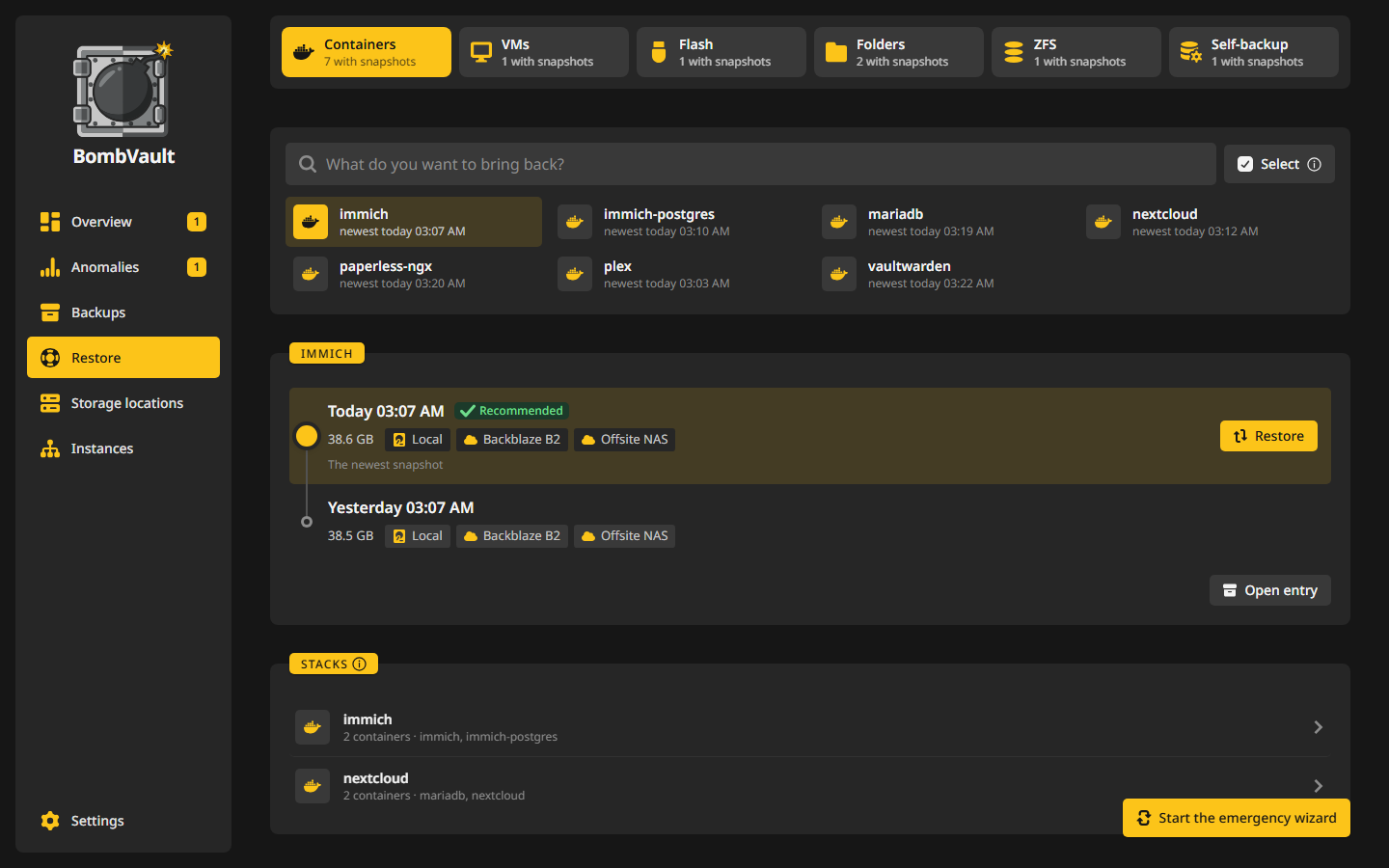
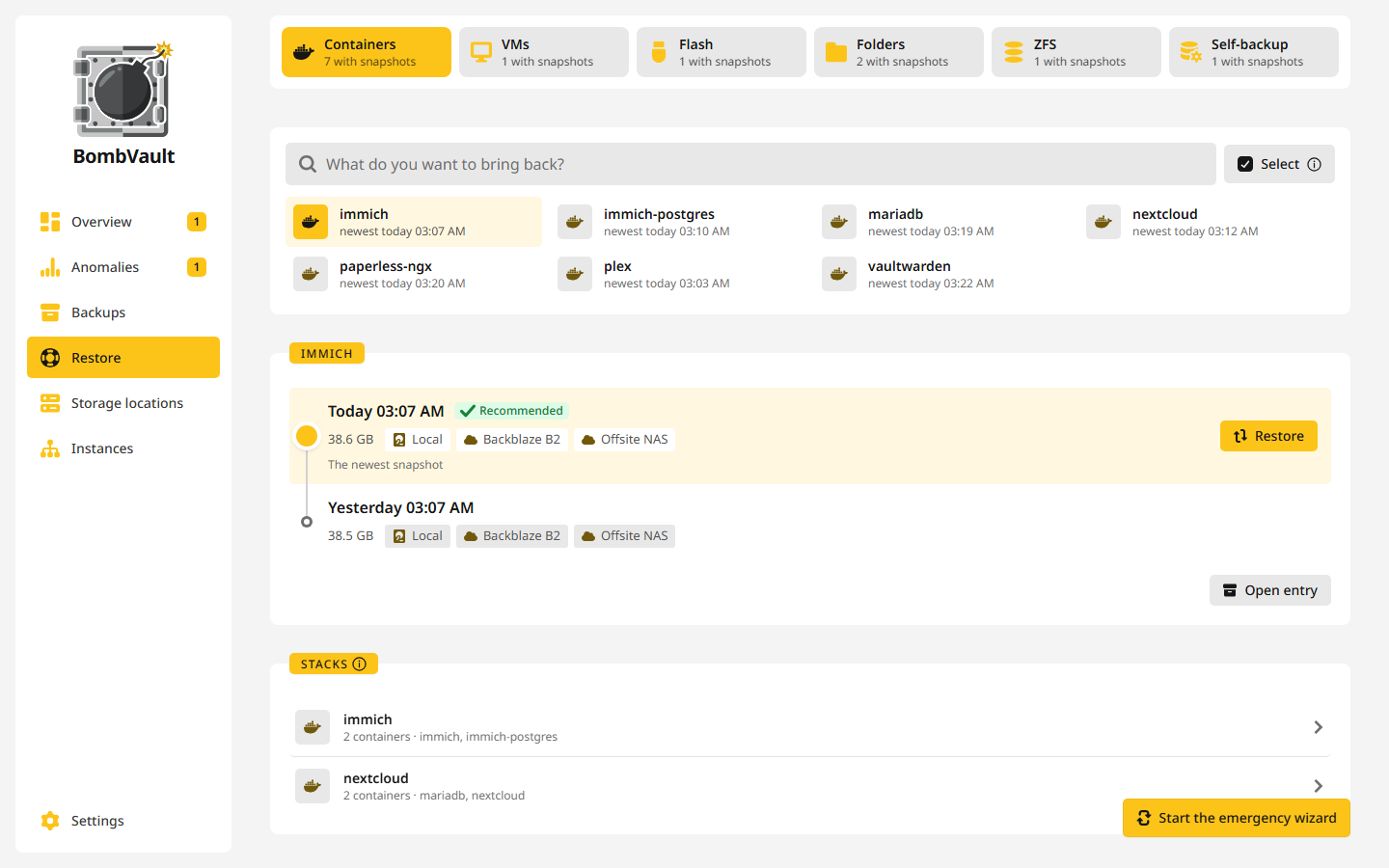
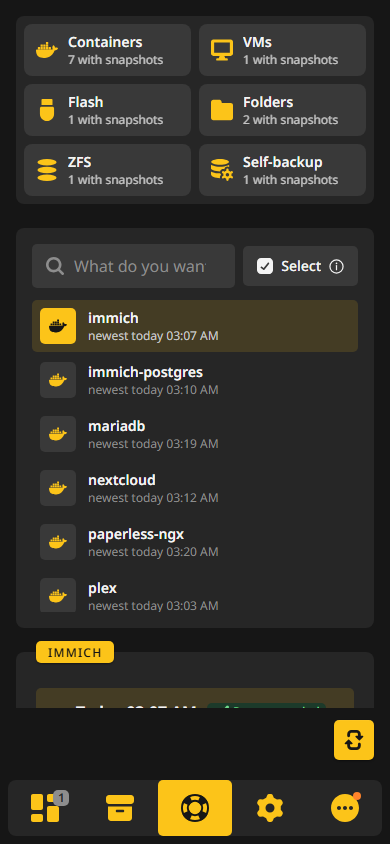
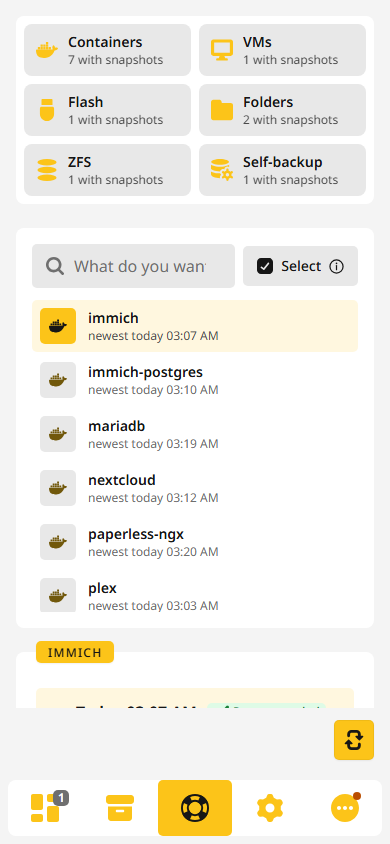
The Restore page
- Sections lists the sections as tiles, each with how many entries have snapshots.
- What do you want to bring back? searches the entries of the picked section. Each row shows its newest snapshot, and Open entry leads to the entry's page.
- Stacks lists the Compose projects with at least two backed-up containers, such as
immichwith its database and Redis. The search finds a stack by its name or by any of its containers. - Running now shows a restore while it runs, also after you closed its window.
- Emergency starts the Emergency wizard for a server that is gone or was set up again, see Emergency wizard.
- Other sources holds From an old backup folder, for the backups of another BombVault, and Import from the Appdata.Backup plugin.
The restore window
A click on an entry opens Restore with its name. It asks in steps, and each step can be changed before you start:
- Backup: the recommended snapshot is preselected. That is the newest one, or after an open anomaly the last one before it. The backup taken before an earlier restore holds the state that restore replaced, so it is passed over unless there is no other. Older ones are in the list, and Compare shows what differs between two of them.
- Source: where the files come from, when a snapshot lies in several places. Local is fastest.
- What: All, or Individual files, where you tick the files and folders you want.
-
Where to: the target. The choices depend on the kind of entry:
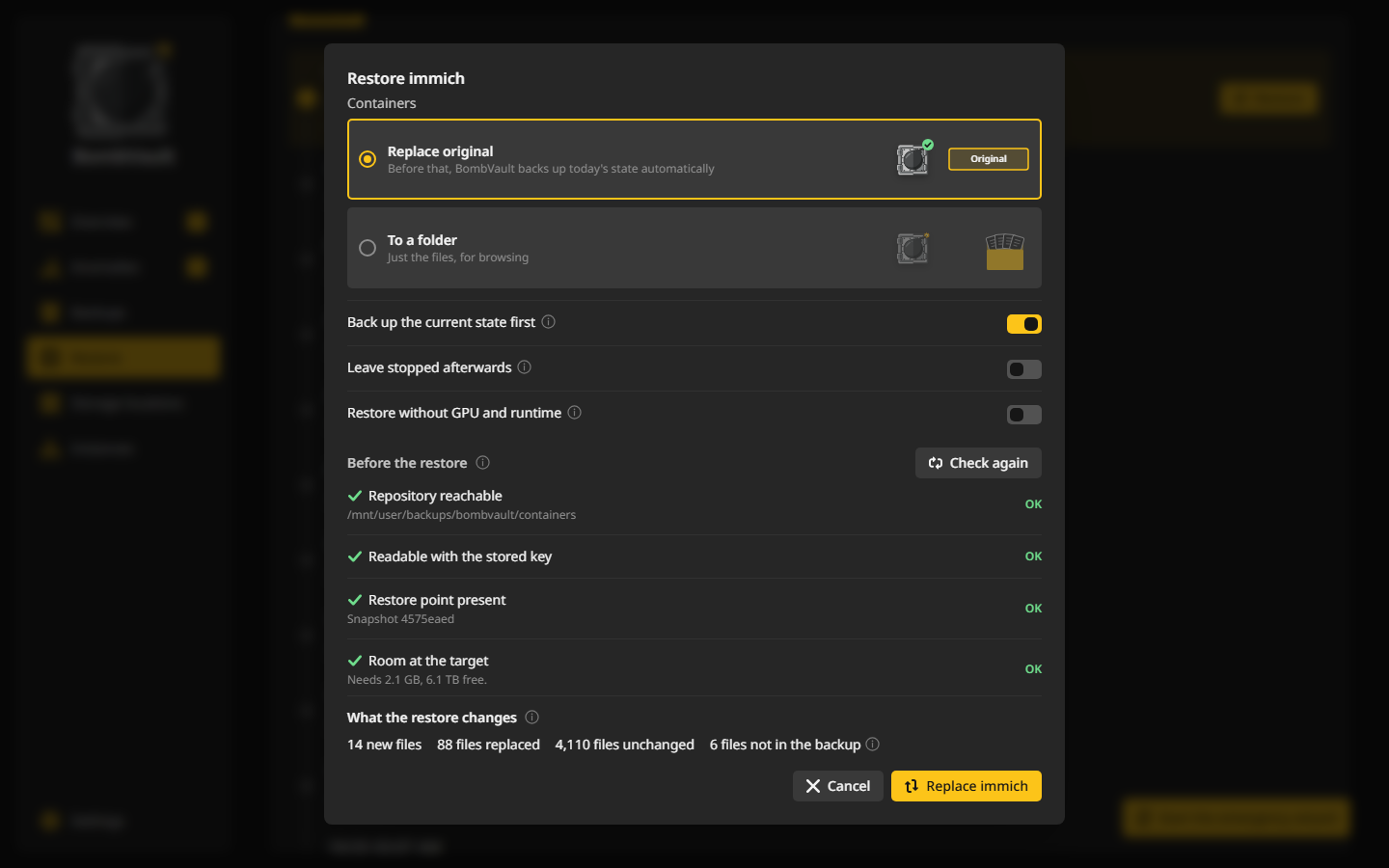
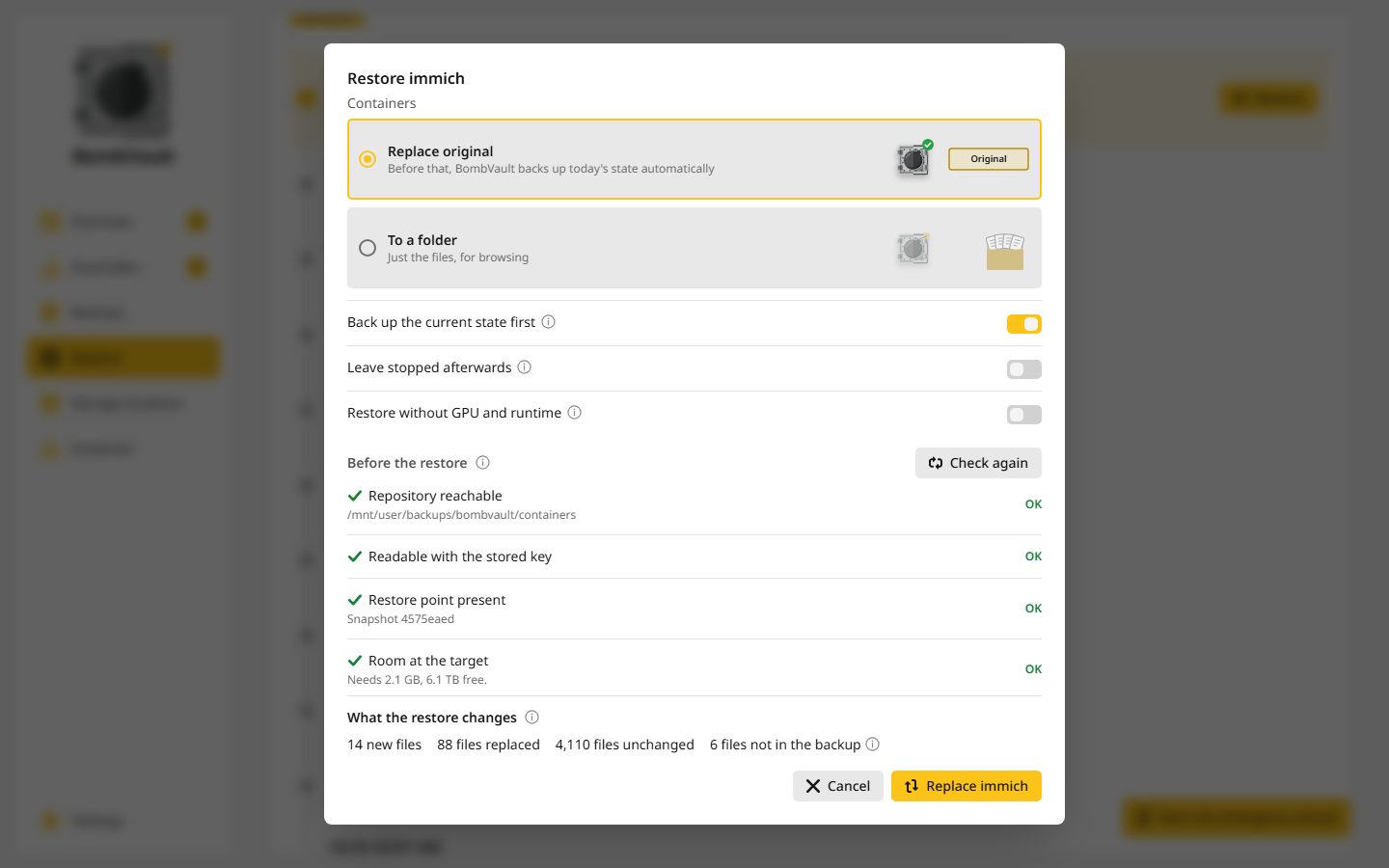
Target What it does Next to the original The default. A container comes back as a second container named <name>-restoredwith ports of its own, a VM's disks and NVRAM land in a folder named<folder>-restored, and a folder set comes back as<path>-restored. Nothing changes on the original.Replace original Overwrites what is there now. With Back up the current state first, which is on by default, BombVault first backs up today's state so you can go back. If that backup fails, the restore does not start. That also works for a container or VM that is gone from the server: the folders the restore writes over are backed up on their own. To a folder Just the files, for browsing. Download as ZIP The flash drive, for a new stick. BombVault never writes into the running flash drive. Into a new dataset and Restore into the dataset ZFS datasets, see ZFS datasets. -
What happens says in words what the restore will do, and a scene shows the target you picked.
Before Restore unlocks, the window checks that the repository answers, that the key opens it, that the snapshot is there and that the target has room. While a check fails the button stays locked, and the (i) in it says which one.
The window also shows what the restore changes compared with what is there now: new, replaced and unchanged files, with the list on request, and the files at the target that are not in the backup and stay where they are. restic works this out as a dry run from size and modification time, without reading the files, and a very large tree stops after 30 seconds and says so. For containers and VMs it compares the settings the restore recreates with the running ones: image and tag, ports, variable names and volumes, or memory, vCPUs, disks and network.
Some things can stop a restore before it changes anything. A container's static IP and published ports have to be free, and its network has to exist. On Unraid every restore in place refuses a folder that is not on a mounted pool or share, because the files would land in memory and be gone after a reboot. A restore in place names every other container whose bind mount reaches into a folder it writes to, for example "this path is also used by nextcloud-db", but that only warns.
A few options appear where they apply: Leave stopped afterwards, to look at a container or VM before it runs again, and Restore without GPU and runtime on a host that lacks the GPU or runtime the backup was made with.
The restore runs in the background. You can close the window, and the progress also shows under Running now. A long restore shows a percentage and can be cancelled, and a cancelled restore is recorded as cancelled, not as failed. A restore cancelled while the container is stopping, or one that cannot remove the container, has restored nothing yet, so the container starts again. A container that takes its volumes from another with --volumes-from keeps them, and the restore refuses to begin while that other container does not exist.
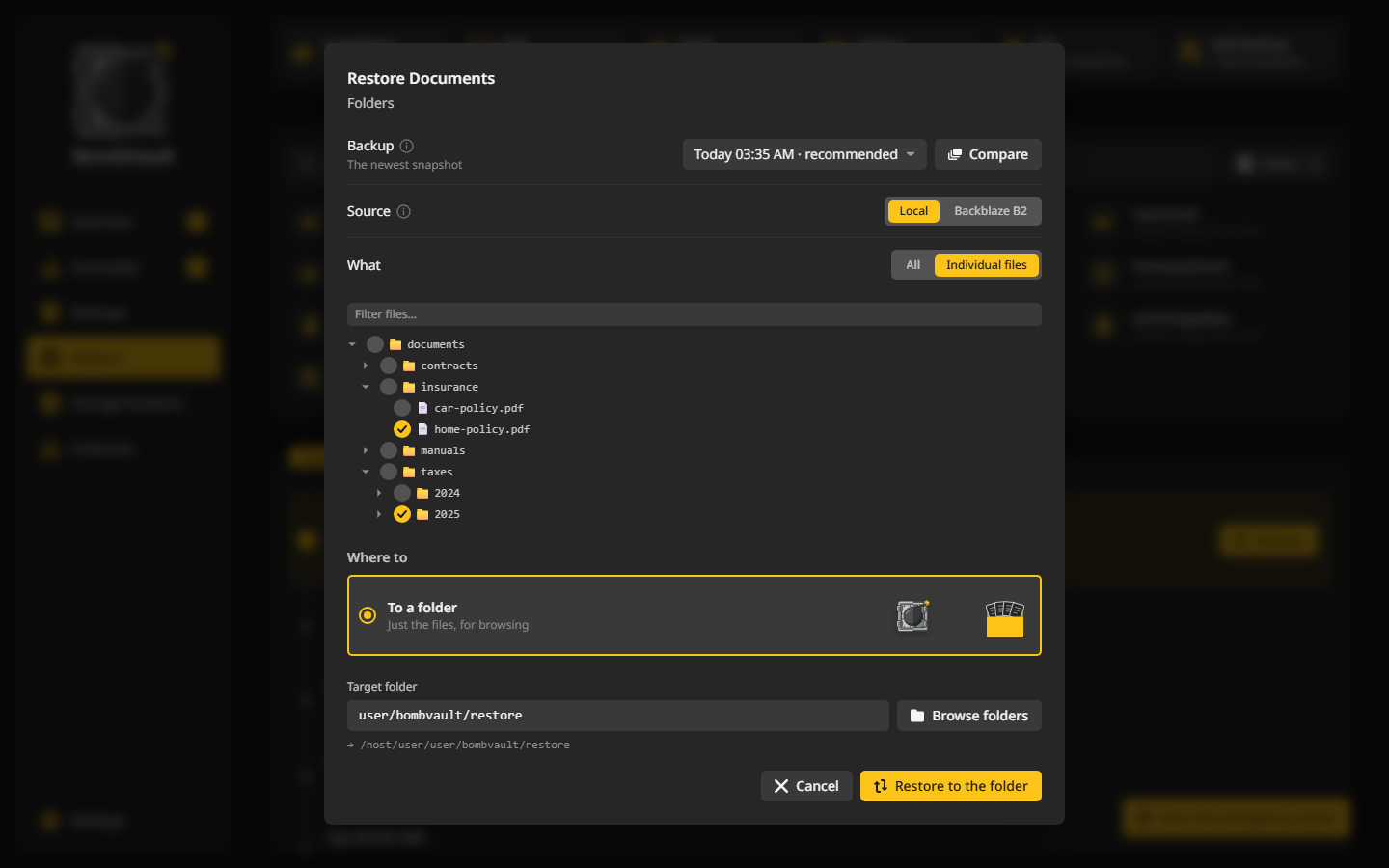
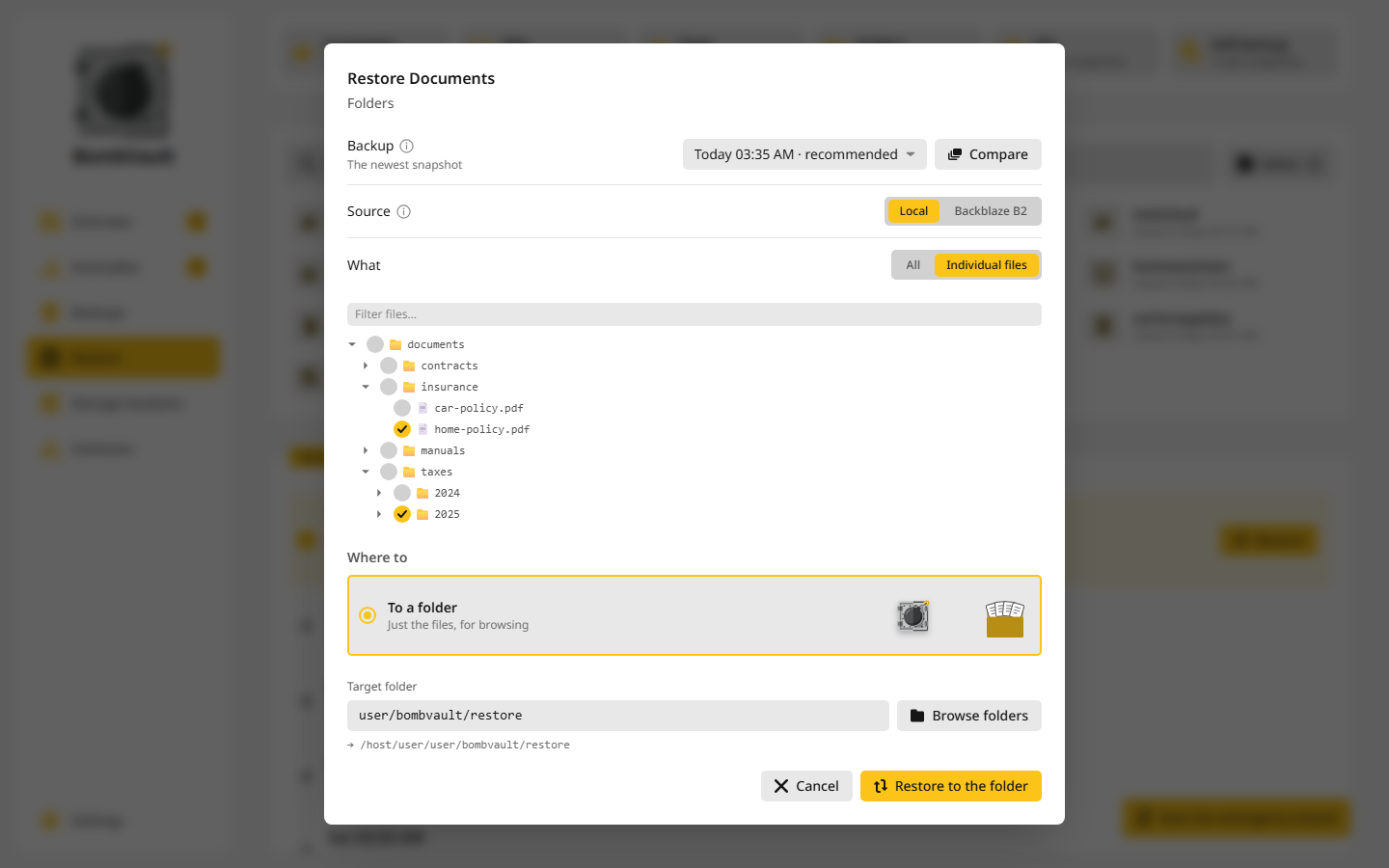
Where a restore into a folder goes
Restore folders under Settings, Restore sets the Default restore folder, with a Subfolder per section if you like, and an Exception for one section. Picked files land straight in the target folder: one file comes back as just that file, a folder as the folder with its contents, and picks from different folders keep only their path below the folder they share. BombVault refuses a target that is not on mounted storage, because on Unraid such a folder lives in memory and is gone after a reboot, and it never restores into its own data folder.
Example: get one file back
Someone edited Nextcloud's config.php last night and Nextcloud no longer starts. The nightly backup from 03:00 still has the good file. You want that one file, not the whole container.
- Open Restore, pick the Containers tile and type
nextcloudinto What do you want to bring back?. - Click
nextcloud. The window opens with the 03:00 backup preselected as the recommended one. - Leave Source at Local.
- Under What, choose Individual files. Open the folders down to
configand tickconfig.php. - Under Where to, choose To a folder and pick a folder, for example
user/restore, which is/mnt/user/restoreon the host. - Read What happens: the file lands in the target folder, and nothing changes on the container. Press Restore.
The window ends with Done: the files are in /mnt/user/restore. You find the file as /mnt/user/restore/config.php, without the folders above it. Compare it with the broken one, copy it back into the appdata folder and restart Nextcloud.
To put the file straight back instead, choose Replace original in step 5. Keep Back up the current state first on, so BombVault backs up the broken state before it writes, type nextcloud to confirm and press Restore. Nextcloud is stopped while the picked file is written back to its place and started again afterwards, and only the files you ticked are written. A restore that fails partway leaves Nextcloud stopped, since the file it reads may be half written, and the run says so.
What comes back, by kind
Containers are recreated from their saved definition through the Docker API, with their entrypoint, hostname, stop settings, volumes and mounts, resource limits, log driver, DNS settings and legacy links. A container comes back on the image it ran when the backup was taken, not on a newer one pulled later, and an image that is missing is pulled first, with the sign-in from Container registries under Settings, Restore. Its GPU or runtime (--gpus, --runtime=nvidia) comes back too. On a host without that driver or runtime the restore says so and offers Restore without GPU and runtime. A link to a container that is missing, or stopped while the restored one starts, is left out, and the run history says so. A restore that fails after the container was removed puts it back, stopped.
A backup can hold folders the container no longer has selected, for example an older one taken before a folder vanished. A folder that is gone or empty comes back. One that holds files now stays as it is, because you may have unticked it on purpose, and the check before the restore and the run history name it. Get it back with Individual files or To a folder.
VMs get their XML defined again over SSH and their disks and UEFI NVRAM reattached, even after the VM was deleted. See VM backups for VMs with Unraid snapshots and disks on zvols.
Folder sets come back with their ownership, modes and timestamps as restic stores them. Where the target only refuses the ownership, as /mnt/user does, the run ends with a note that says so. BombVault then compares the files with the backup, and a file that did not arrive makes the restore fail.
The flash drive never touches the live /boot. The restore is a download called flash-<id>.zip, ready to drop into the Unraid USB Creator. The ZIP holds APP_KEY, so downloading it needs a login password and a sign-in at the instance. The window also lists the plugins in each flash backup with their version and size, and can put a single one back into the running flash: its .plg file, its folder under config/plugins and the package files the backup holds. Unraid installs it on the next boot, or right away under Plugins, Install Plugin.
ZFS datasets have targets of their own and keep their ZFS properties, see Restoring.
The self-backup comes back only through the Emergency wizard, which restarts BombVault, so the live database is never overwritten under an open handle.
Database dumps are never loaded back on their own. A row under Database dumps can be downloaded, saved to a folder, or imported into a freshly started database. See Database dumps.
Restoring several entries at once
On the Restore page, pick entries the way you pick rows in the Backups list: Ctrl+click, Shift+click, Ctrl+A, a long press, or Select. Restore then opens one window for all of them.
- Which backup: Recommended takes for each entry the backup its own window would recommend. One moment for all takes for each entry its newest backup from a Moment you pick or earlier, for example the evening before something went wrong.
- Where to: Next to the original or Replace original, with Back up the current state first.
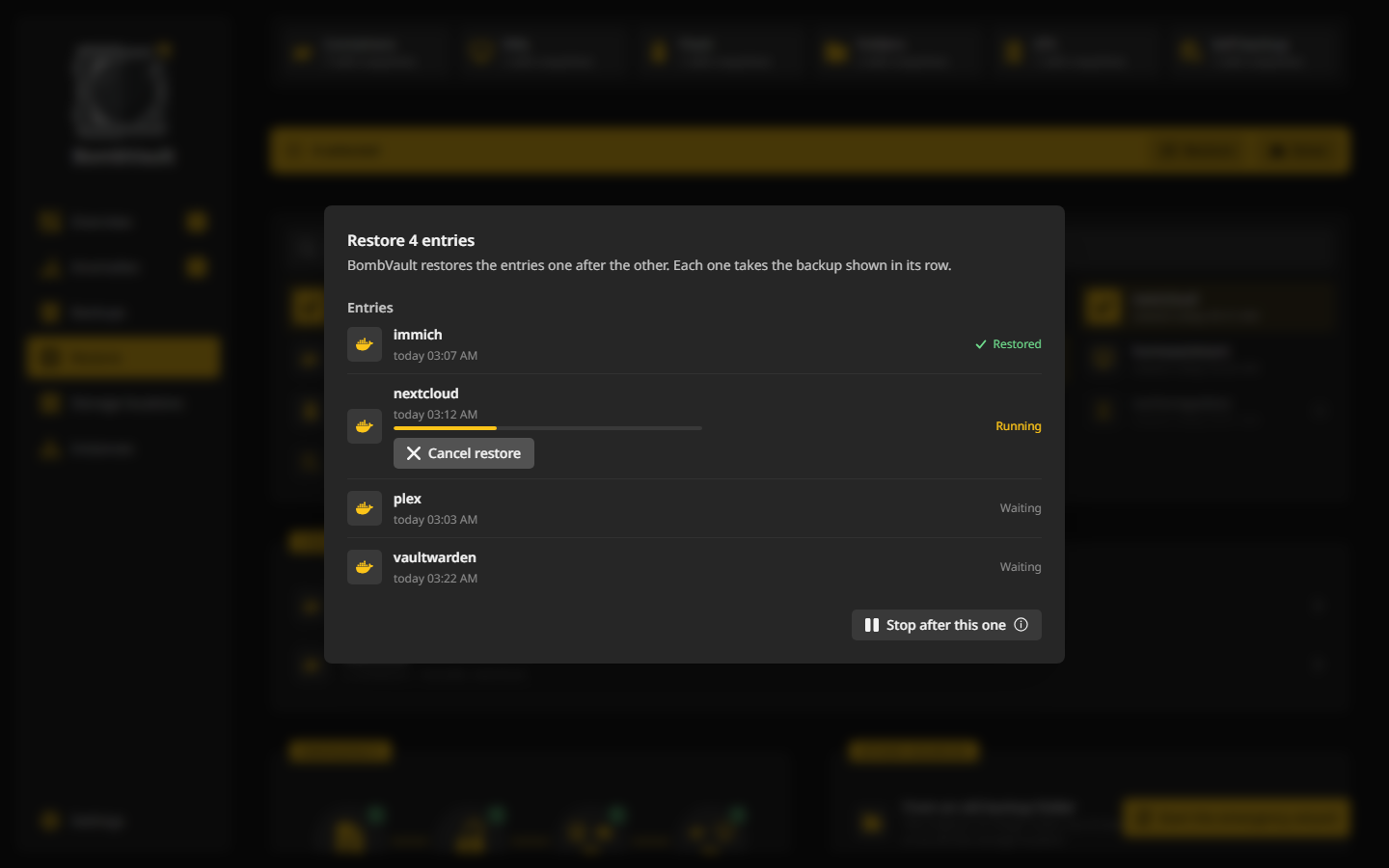
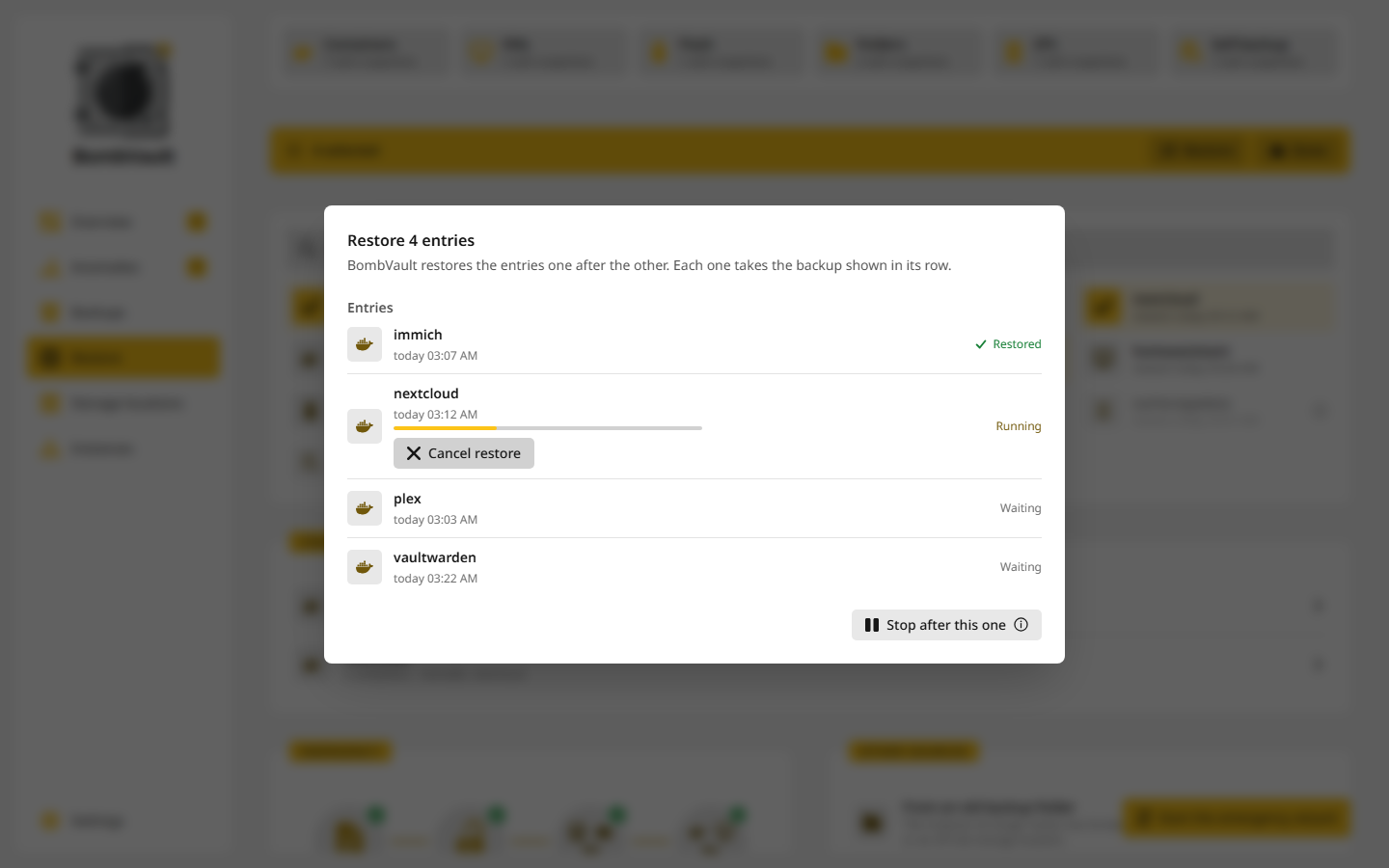
Each entry is checked the way a single restore is, and then they run one after the other. Every row shows how its own went: Waiting, Running, Restored, Failed or Left out. Stop after this one lets the running restore finish and starts no more. The flash drive comes as a ZIP to download, and ZFS datasets and the self-backup are restored one at a time.
Restoring a stack
A click on a stack in the Stacks card opens Restore stack. It restores every member from its latest backup at the same time, and with Start in dependency order after restore it starts them in their depends_on order: databases and caches first, then the app. When a member's project folder is missing at the place you picked, the window offers the state from Local instead.
BombVault checks the members and the project folder first, and a restore that could not work changes nothing. Otherwise it stops the running members, the apps before their databases, then writes the project folder, then restores the members. If the project folder does not come back, the members are still restored but stay stopped, because the folder may be half written and it is where a member's bind mounts usually lie. Each member's run says so.
A database that has only database dumps and no files backup, and whose container and named volume are gone, comes back without its data. The check says so before the restore. It stays stopped, and so do the containers that depend on it, so no app runs its setup on an empty database. Start it, import a dump and start the others. See Database dumps.
Other sources
- From an old backup folder opens the repository of another BombVault that no longer runs, on a disk or at an off-site storage location, with its recovery kit or its typed
APP_KEY. The session is read-only and lives only in memory. See From an old backup folder. - Import from the Appdata.Backup plugin reads the plugin's backup folder. Each container archive becomes a restore point of its container, dated when the plugin made it. Archives imported before are skipped, and the archives themselves are only read. The container needs one backup in BombVault first, so the restore has its definition. Retention leaves imported restore points alone, so delete one yourself when you no longer need it.
After a restore
A copy restored next to the original is listed under Backups as excluded, so it does not count as an open task. Add it to the schedule if you want to keep it. A container or VM that was running when it was backed up comes back running, one that was stopped stays stopped. On Unraid a restored container reappears in the Docker tab as a normal, editable app, and a VM in the VM Manager with its disks and NVRAM attached.